Choose your language and dark mode
Read the portal the way you are comfortable: your language, your direction, light or dark.
The whole portal, including request types and forms, switches to your choice and remembers it.
- Who can do this
- Everyone on the portal
- Edition
- Standard and Advanced
- Where it is
- Help centerOpen portalTop bar
- Applies to
- Your own requests
Steps
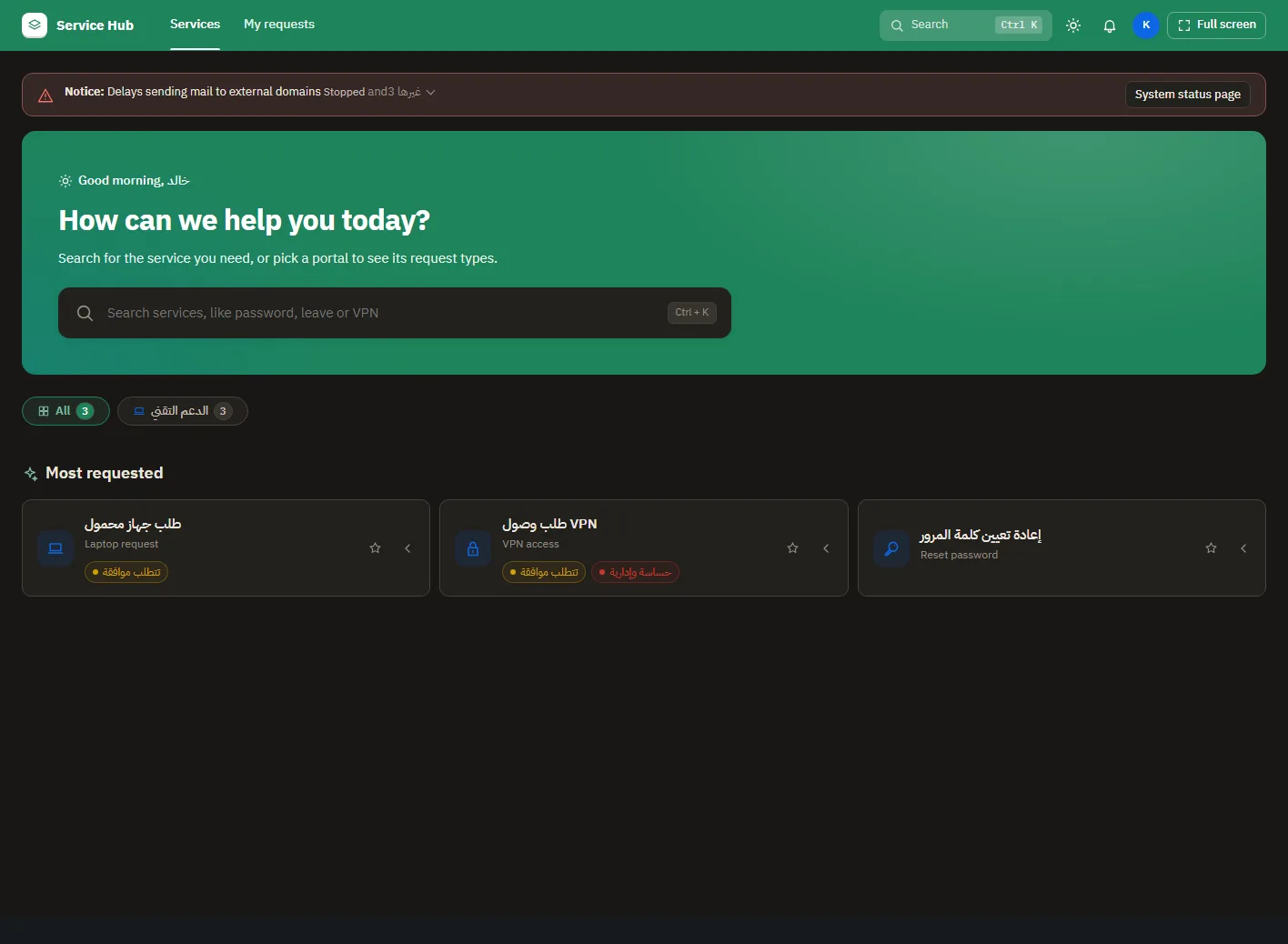
- Open the language menu in the top bar and pick your language. Arabic and Urdu read from the right; the others from the left.
- Select the moon in the top bar to switch between light and dark.
- Use Full screen to hide Jira around the portal.
What people see afterwards
- Your choice follows you to any device you sign in from.
If it does not look right
- Your language is not in the list: ask your admin to add it.