Raise a request
Everything you need from IT, HR or facilities starts here, in your language and from the right.
Your request reaches the right team with a number you can follow.
- Who can do this
- Everyone on the portal
- Edition
- Standard and Advanced
- Where it is
- Help centerOpen portalServices
- Applies to
- Your own requests
Steps
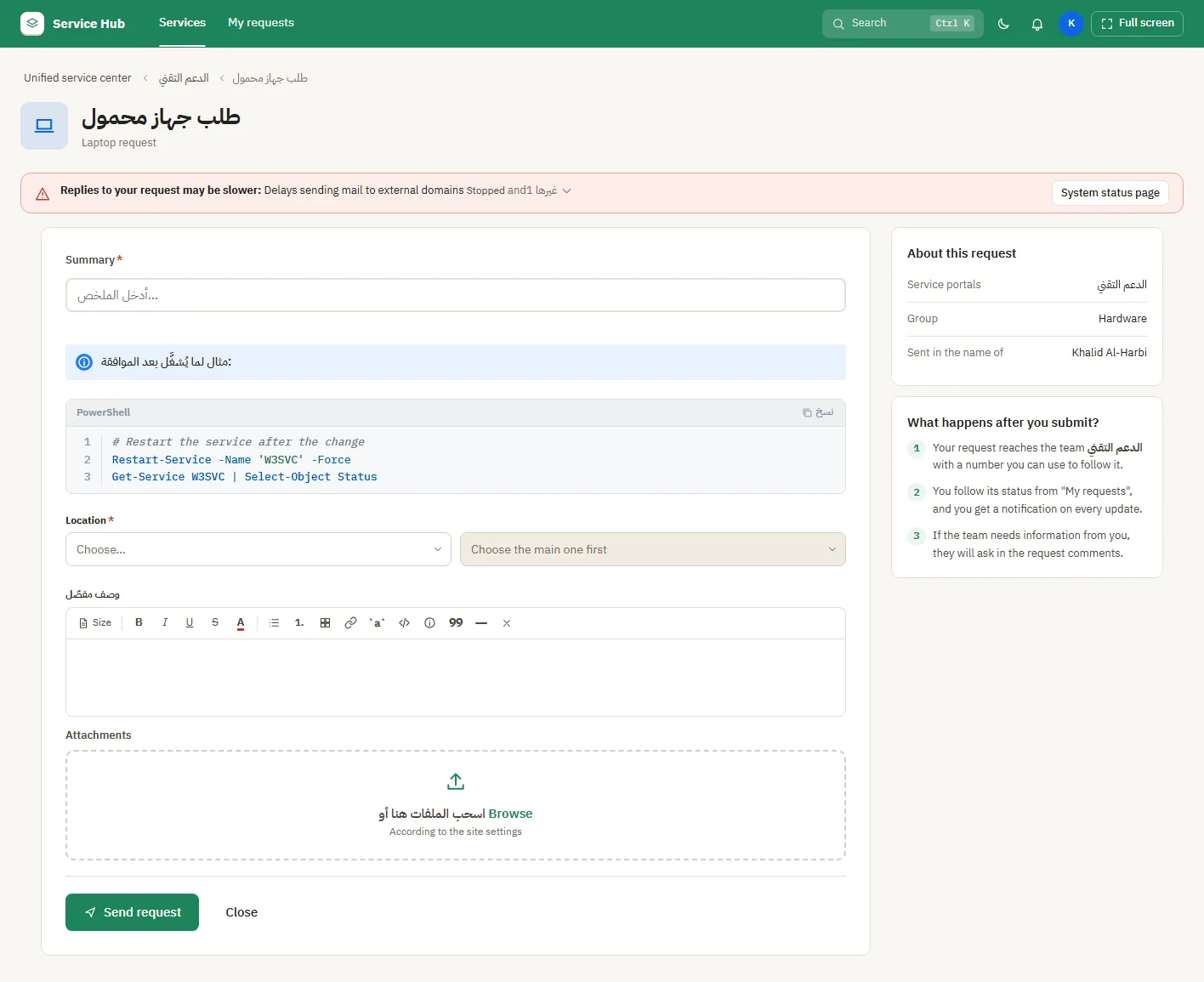
- Open the help center and select Open portal, or go straight in if your organisation opens it for you.
- Pick a service from the home page, or type what you need in Search. Spelling does not have to be perfect.
- Fill in the form. Some questions appear only after you answer the one before.
- Attach a screenshot if it helps, then select Send request.
What people see afterwards
- You get a request number, and the request appears in My requests.
- If a service is down, a notice on the form tells you before you send.
If it does not look right
- You cannot find a service: try Search, or ask your service team. Some services are shown only to certain groups.