ariJ Get ariJ العربية

Screens

Every screen of ariJ as your customers, approvers, agents and admins see it. Select a screen to open it full size.

What customers see
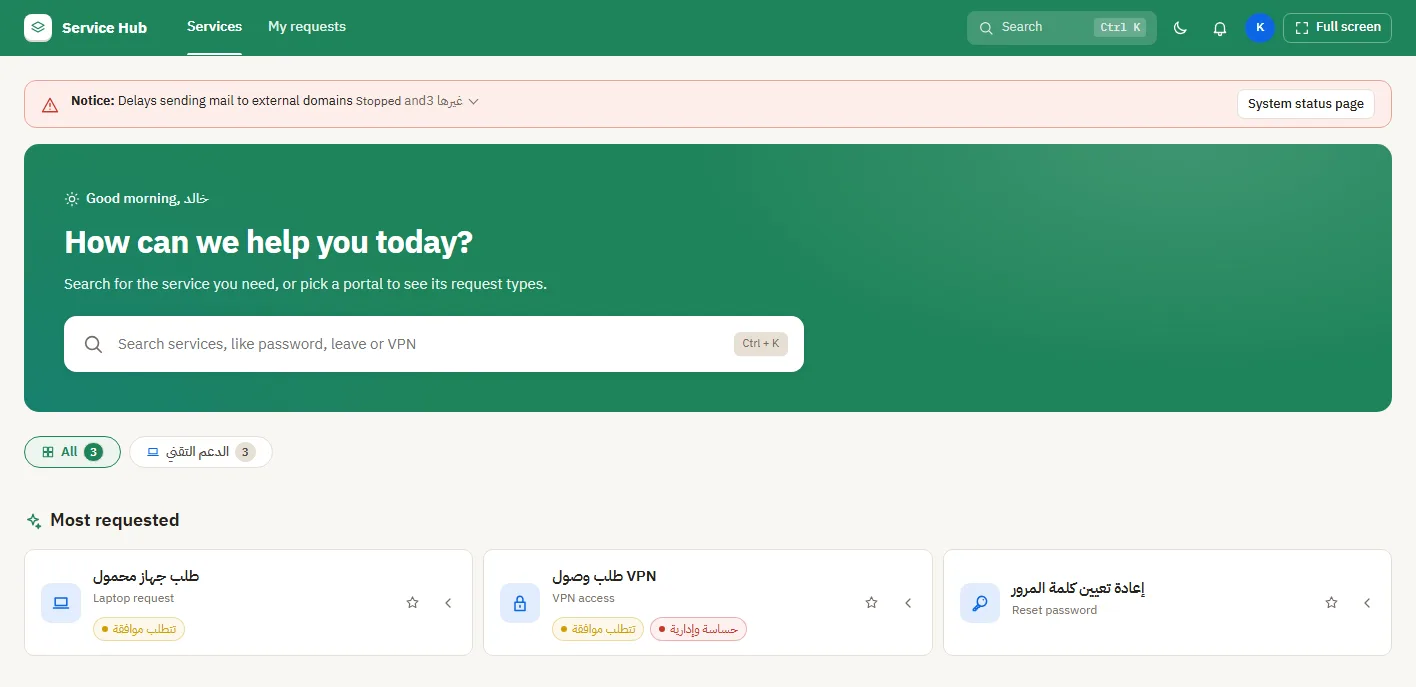
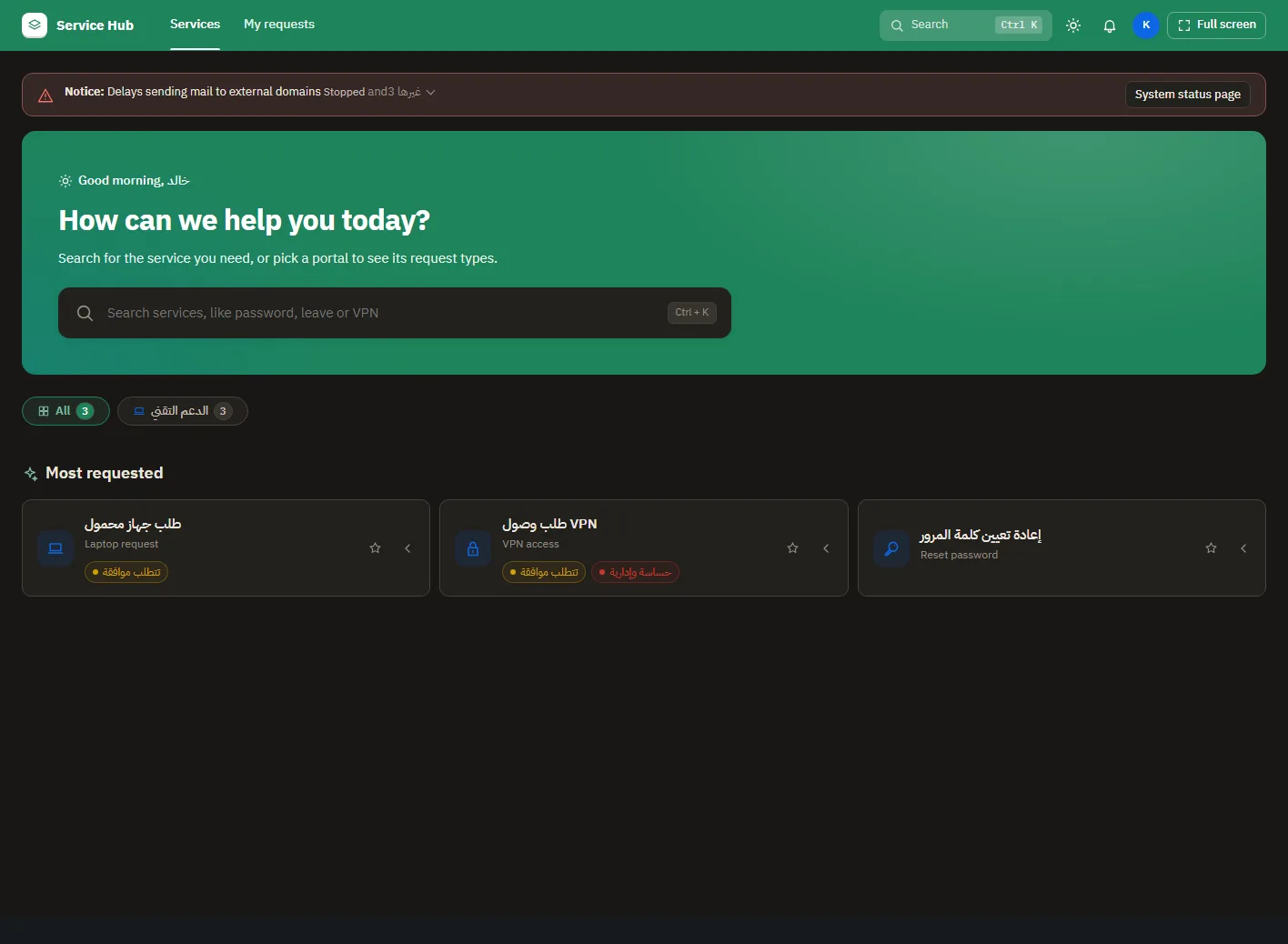
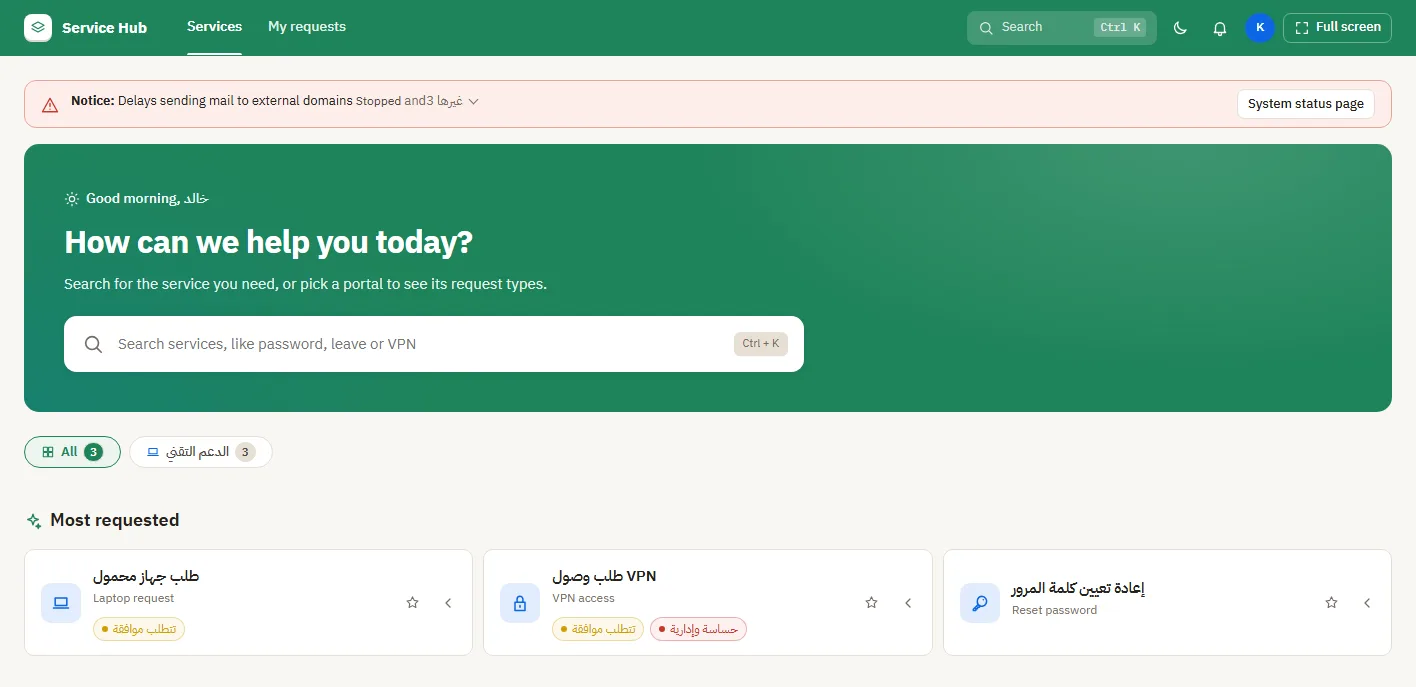
Portal home page with system status
The home page in dark mode
Finding a service
Finding a service
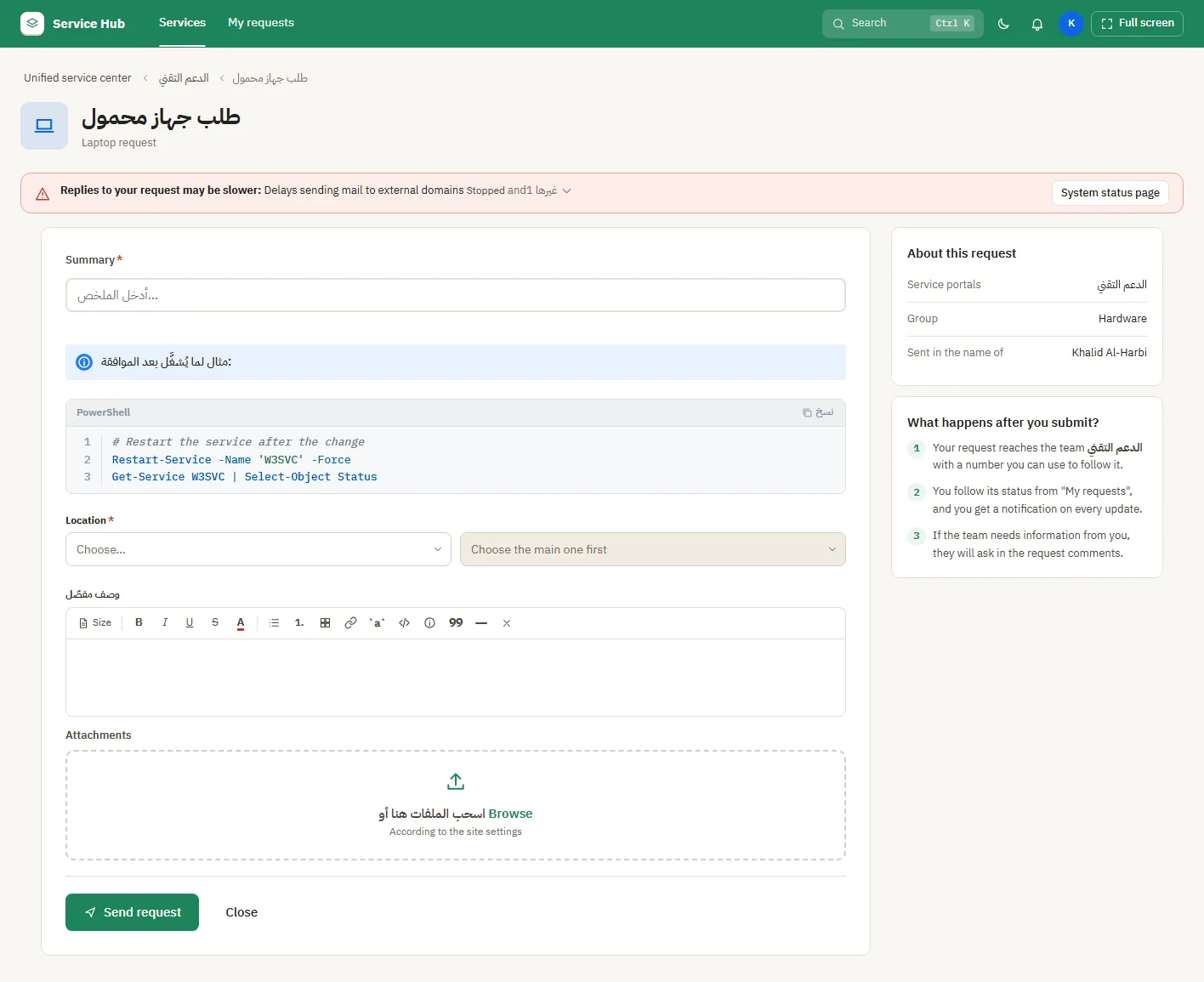
A request form with a service notice
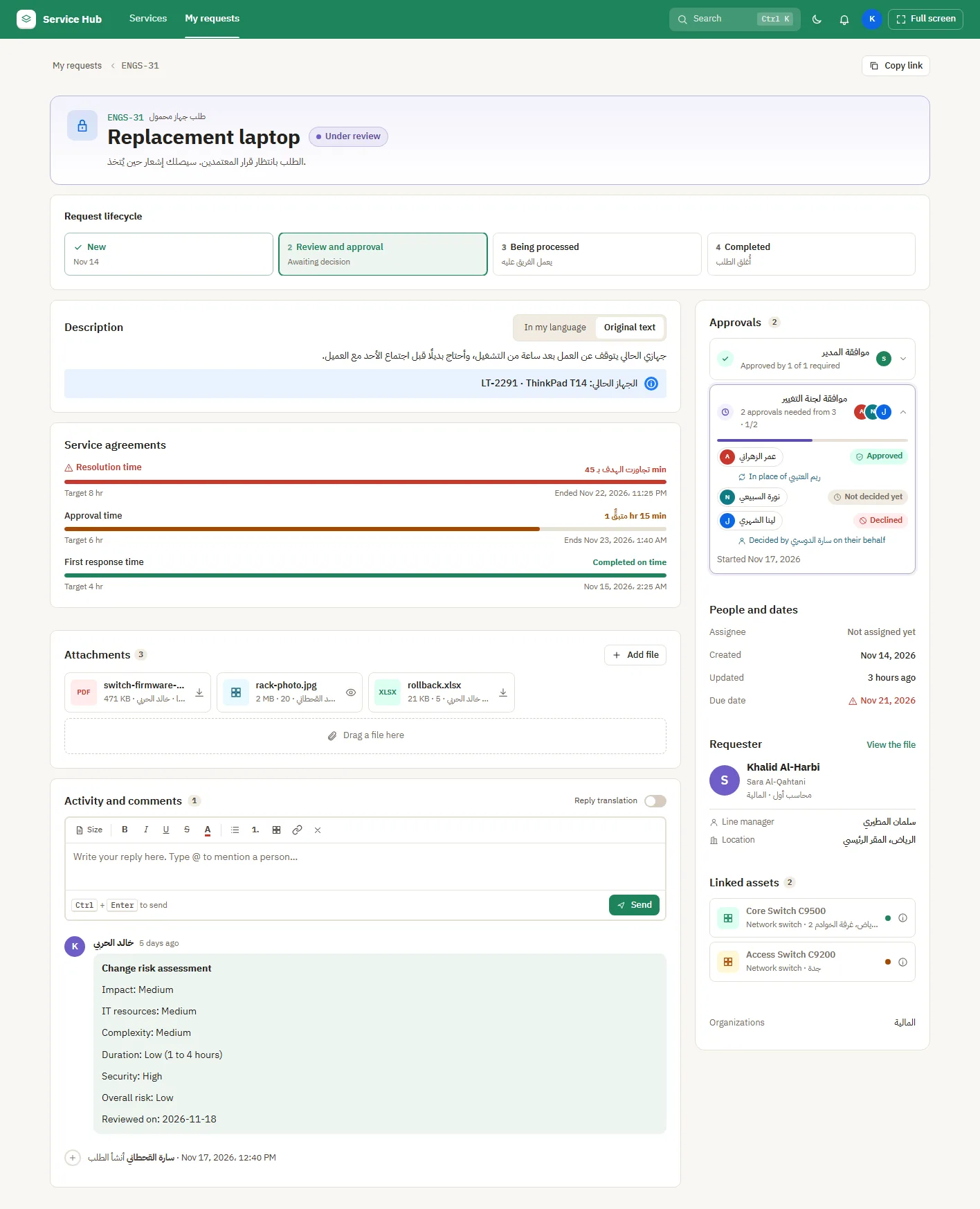
A request and its history

What approvers see

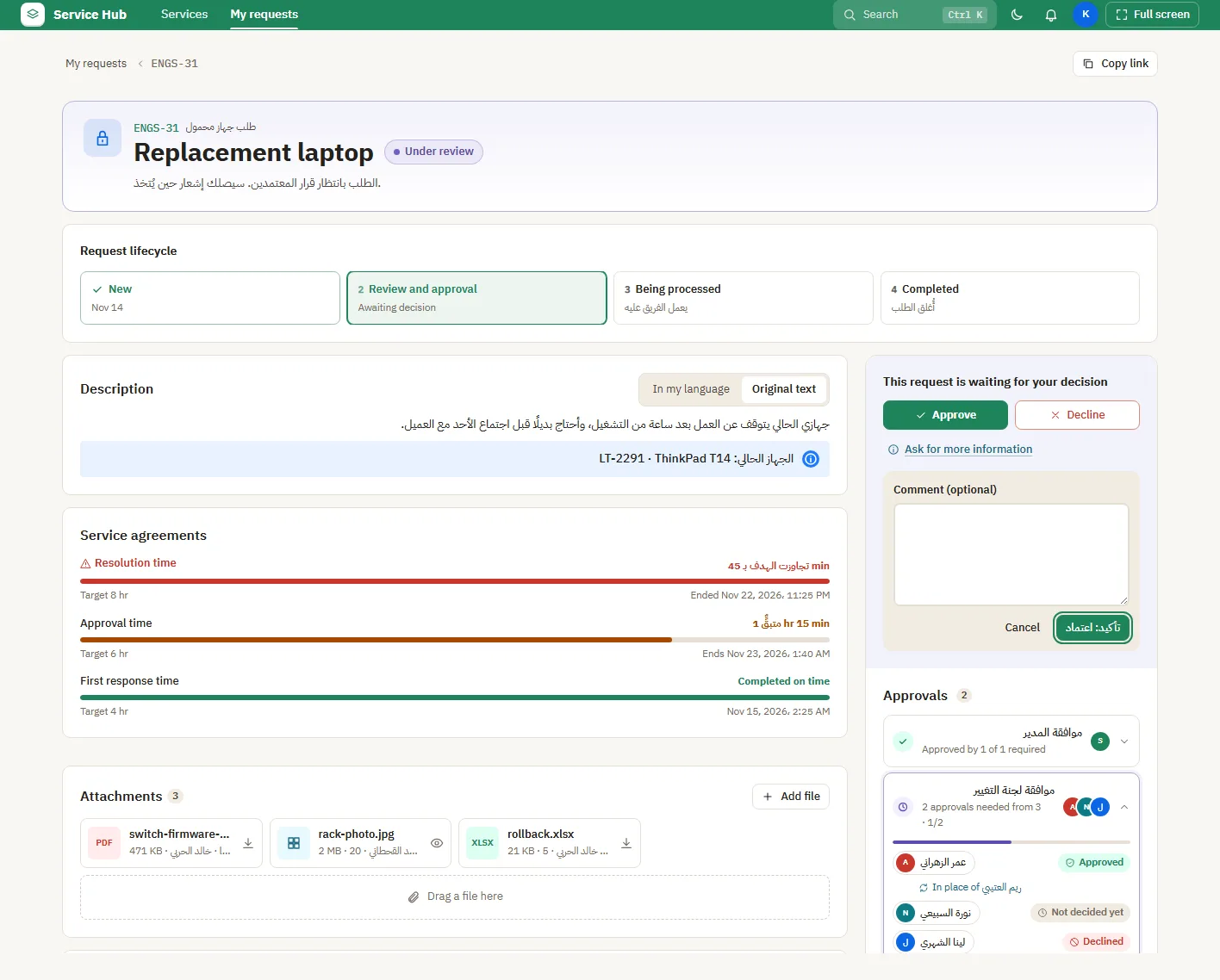
Deciding on a request
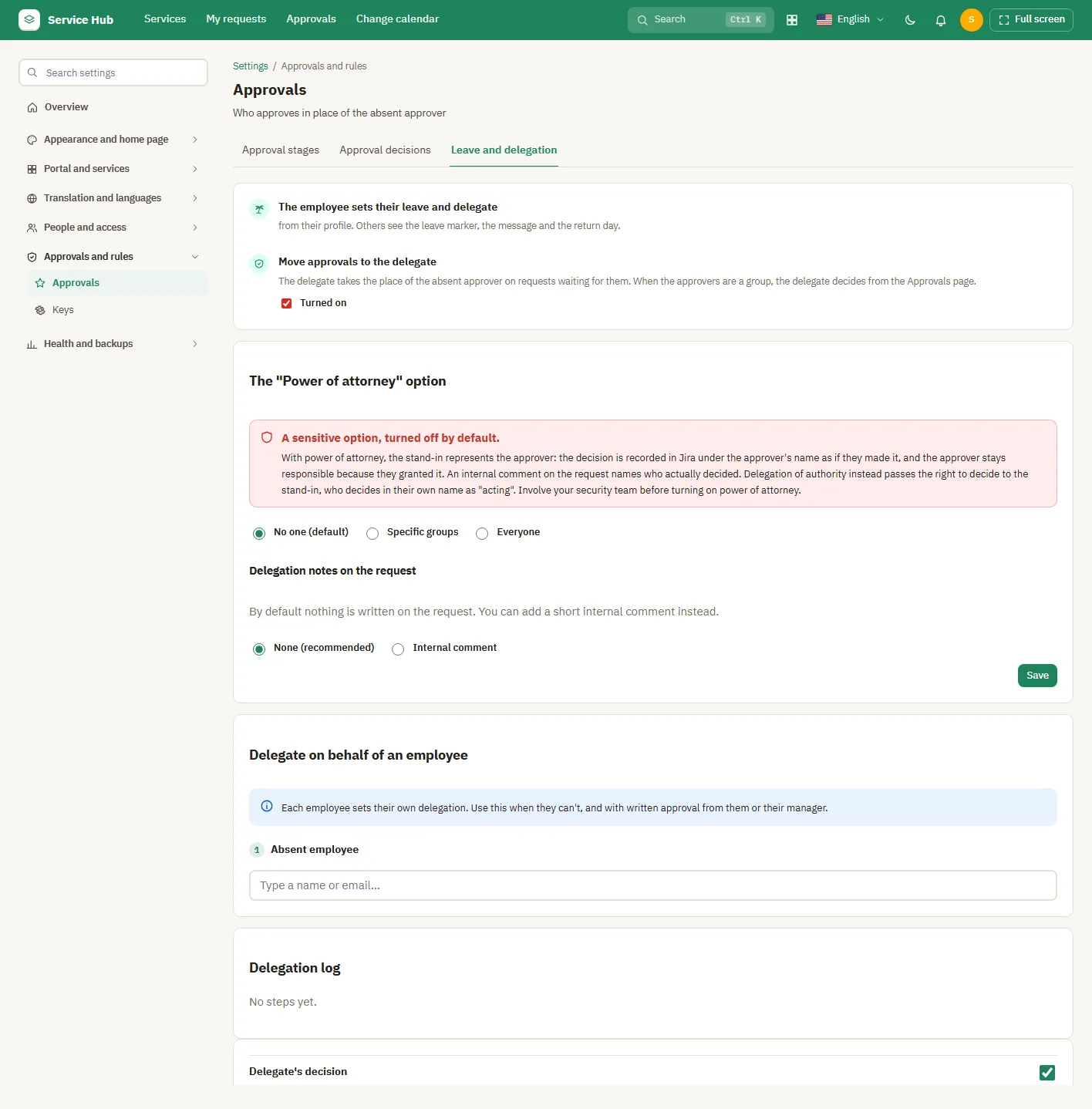
Leave and delegation

What agents see

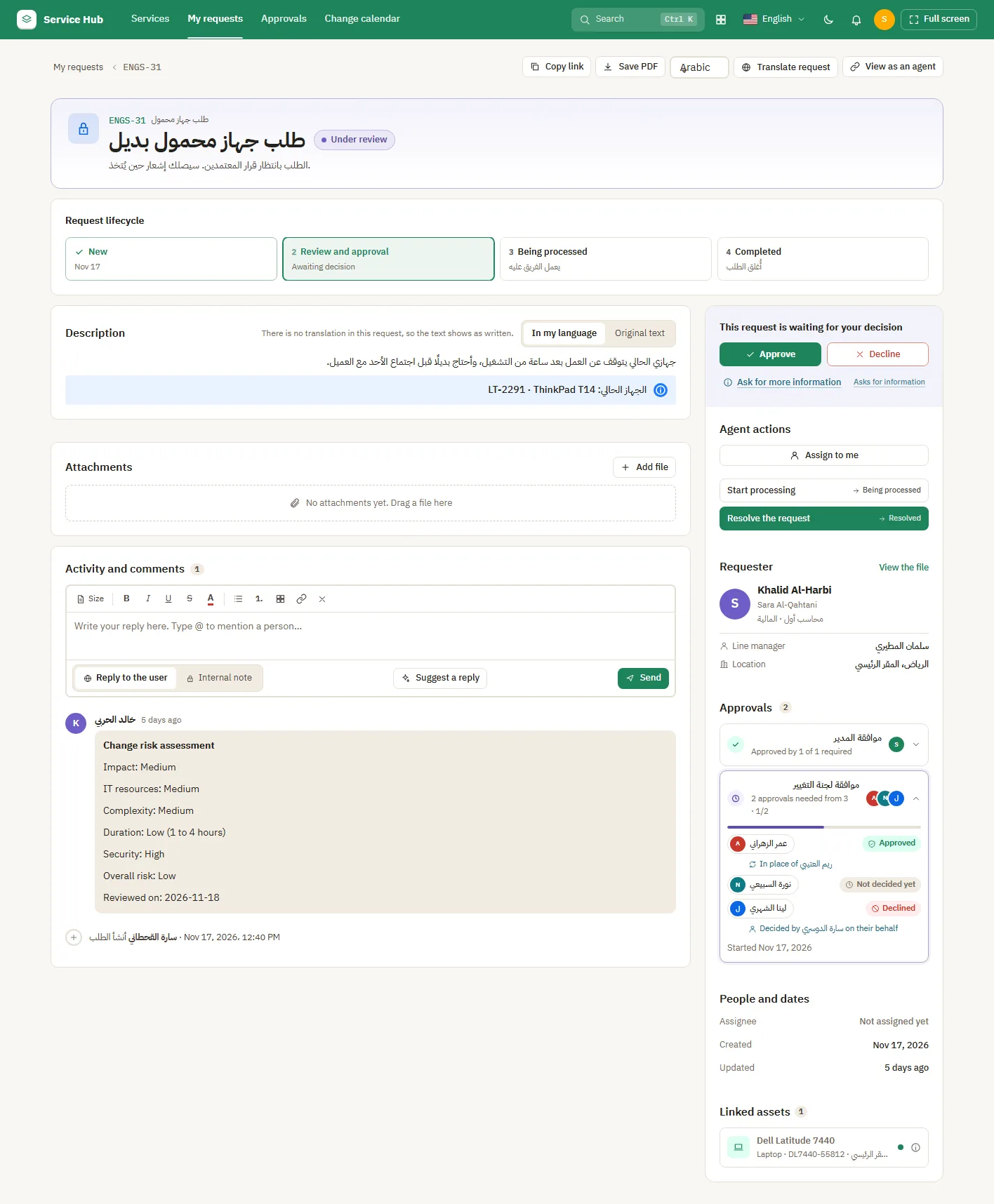
An agent on a request: translate and suggest a reply

Settings: Appearance and home page
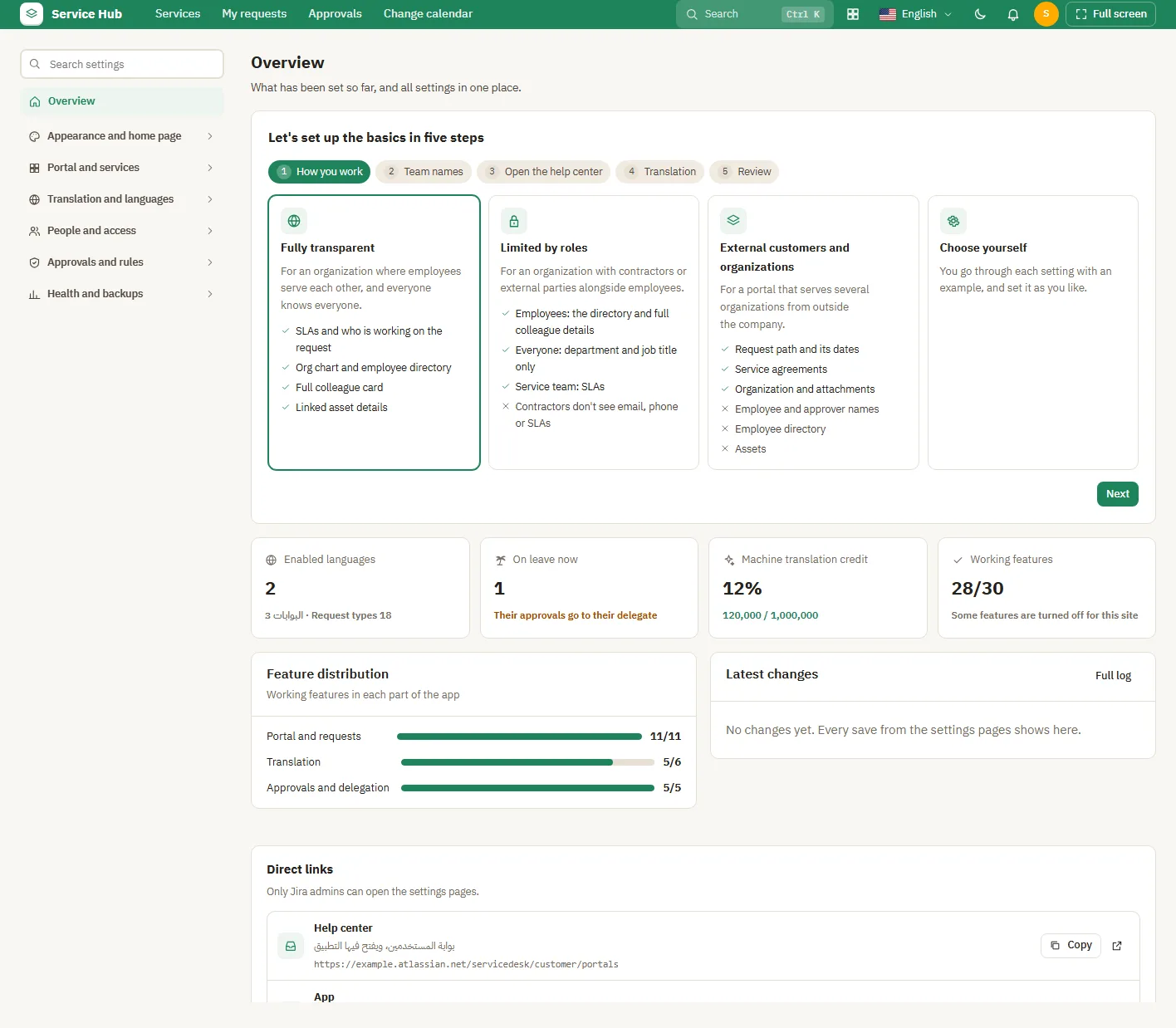
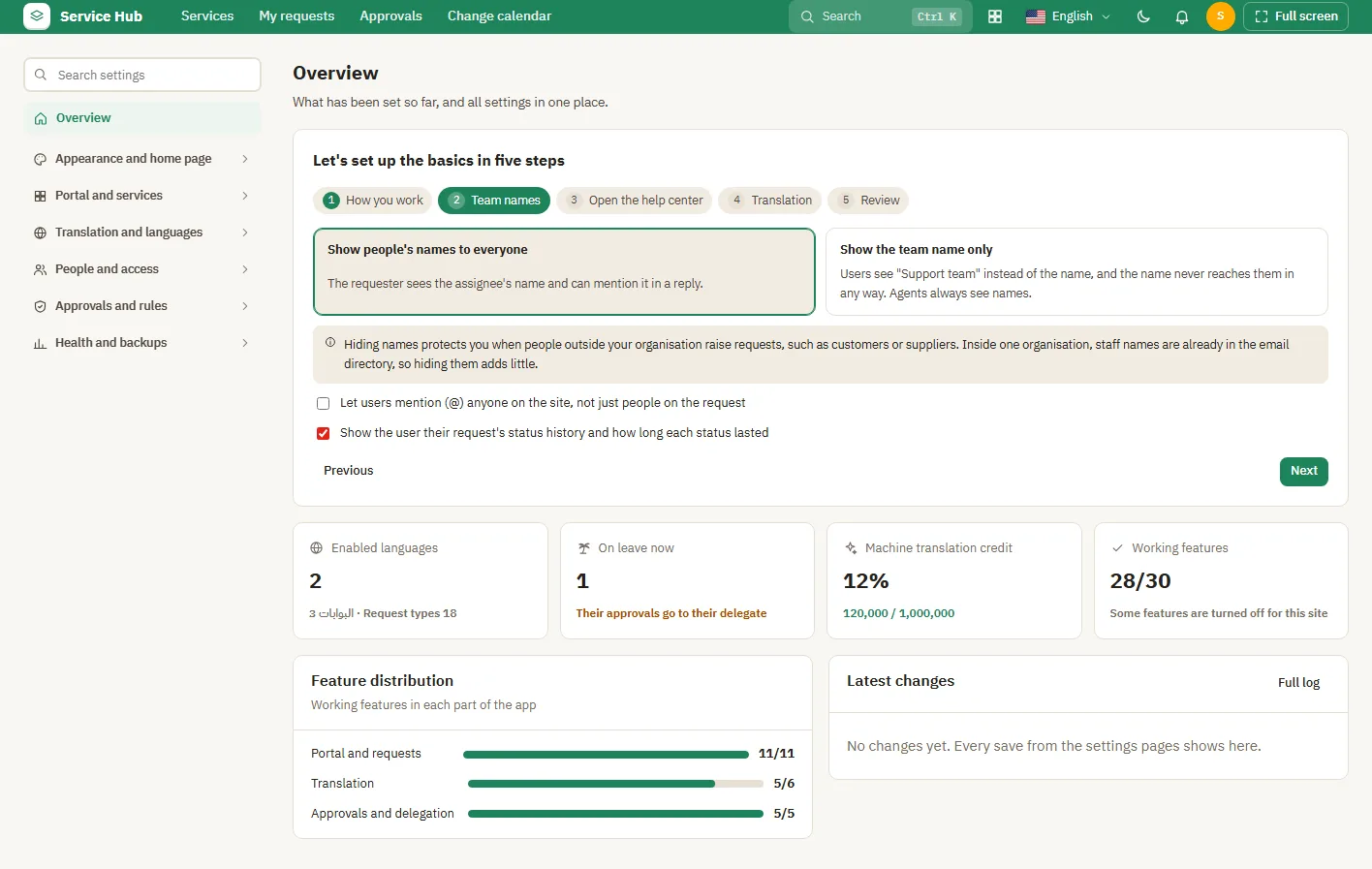
Settings overview and the five-step setup
Setup step: team names
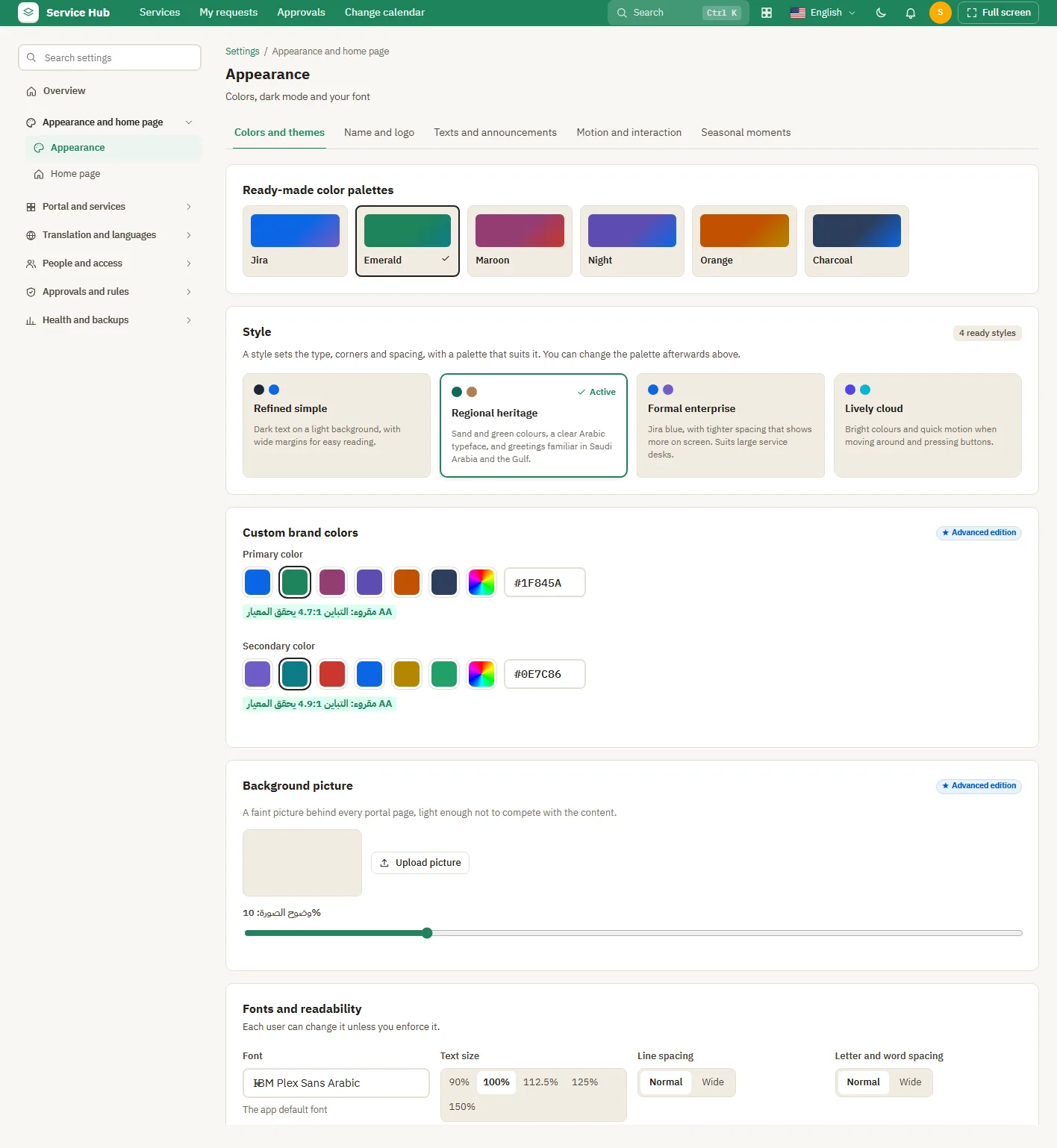
Colours and themes
Colours and themes
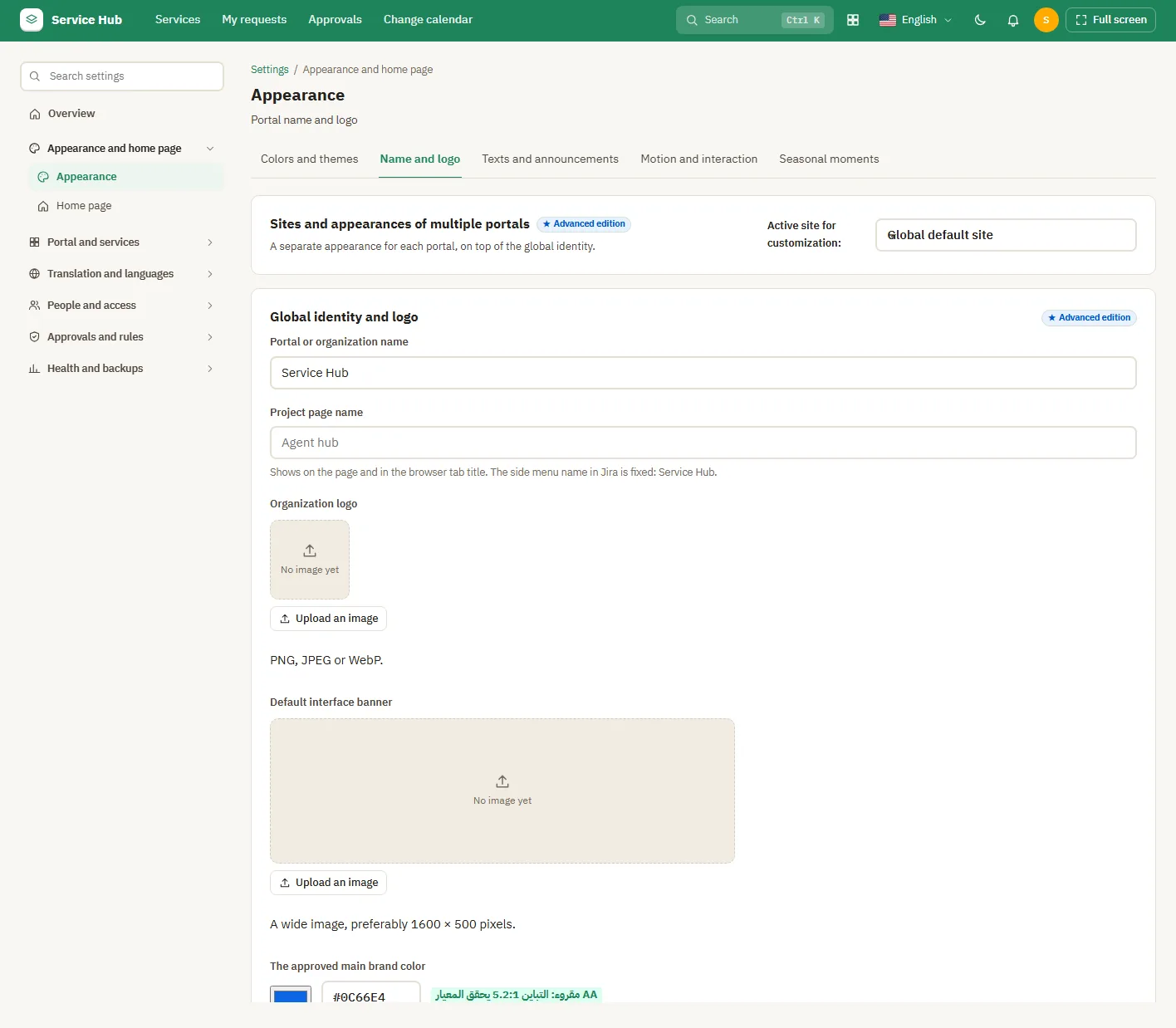
Name and logo
Name and logo
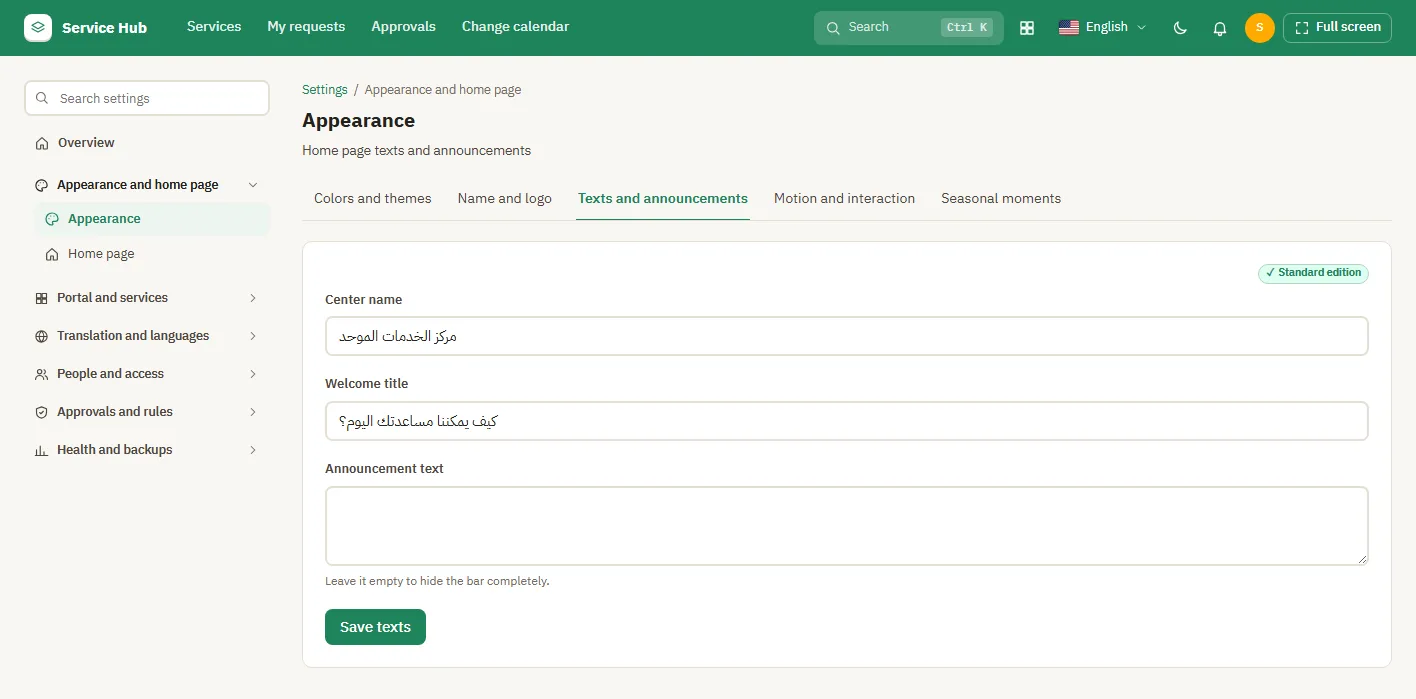
Welcome text and announcement
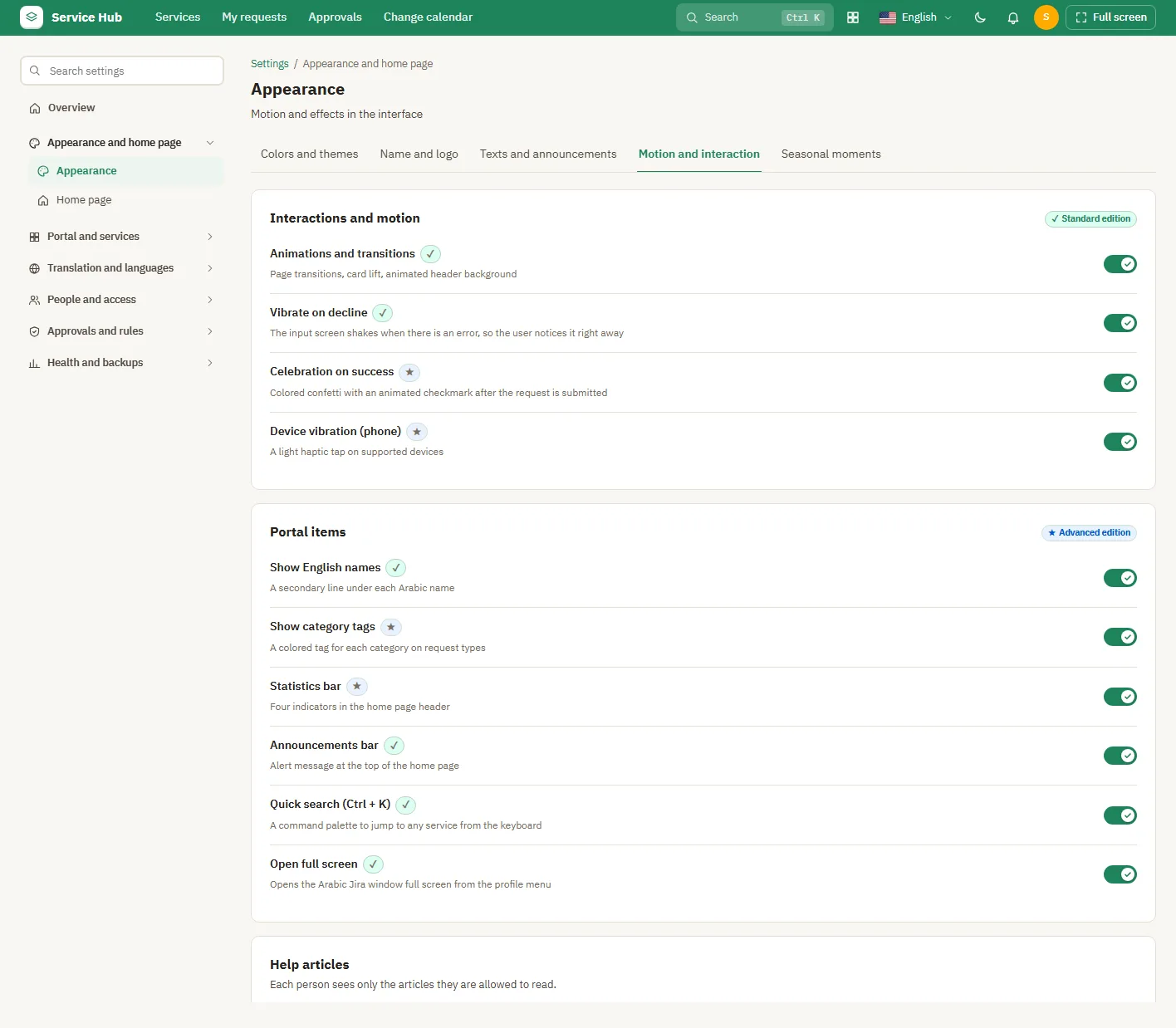
Motion and interaction
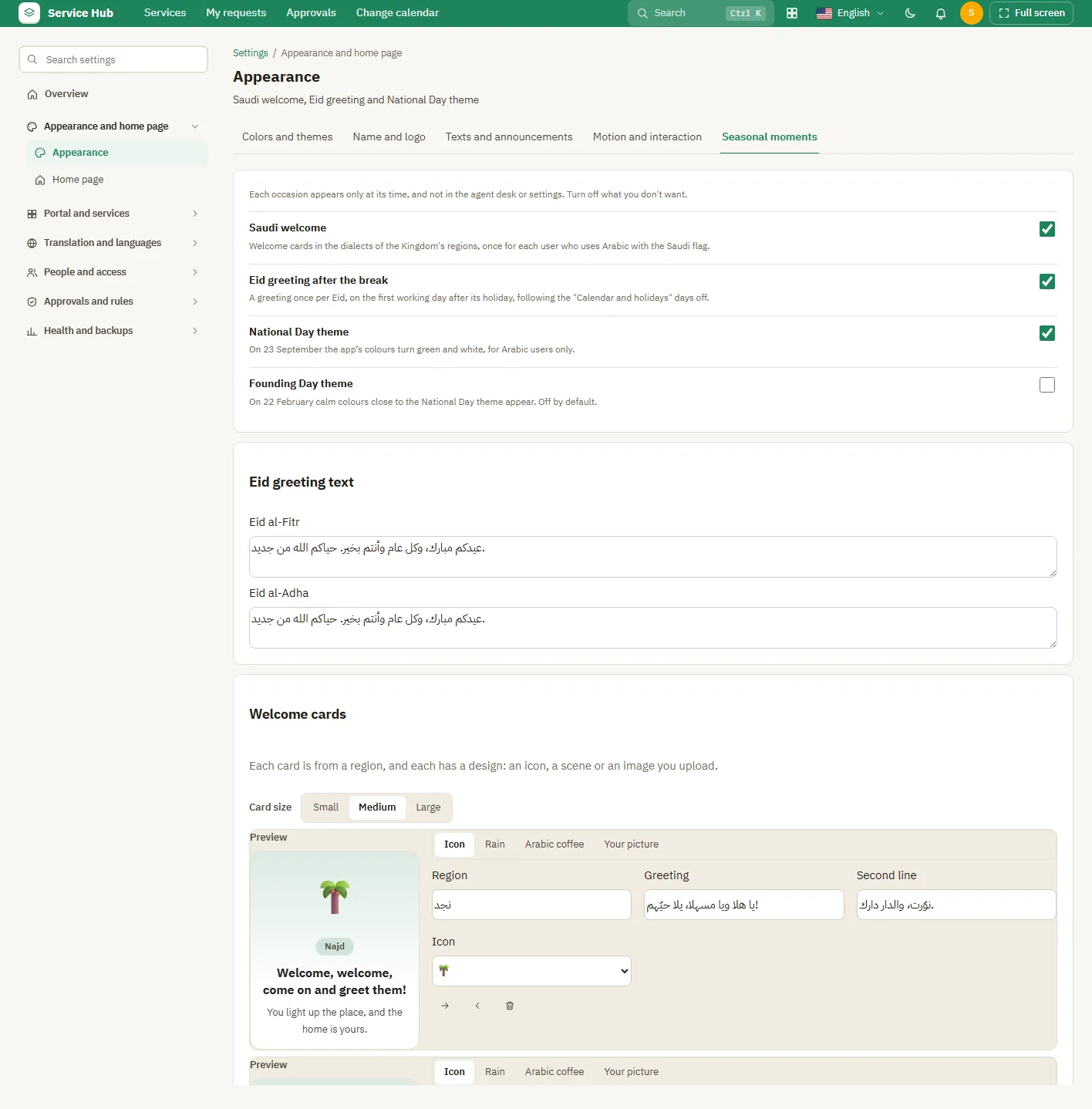
Seasonal moments
Seasonal moments
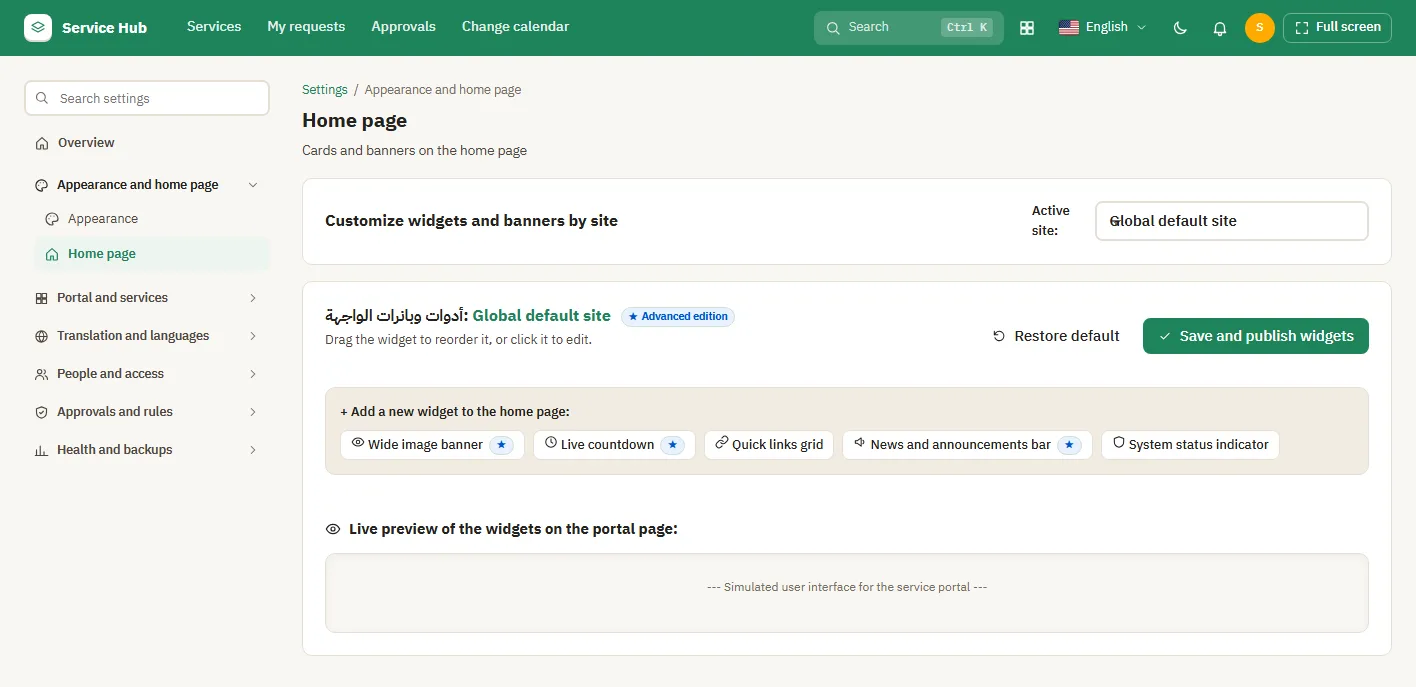
Widgets and banners
Widgets and banners

Settings: Portal and services
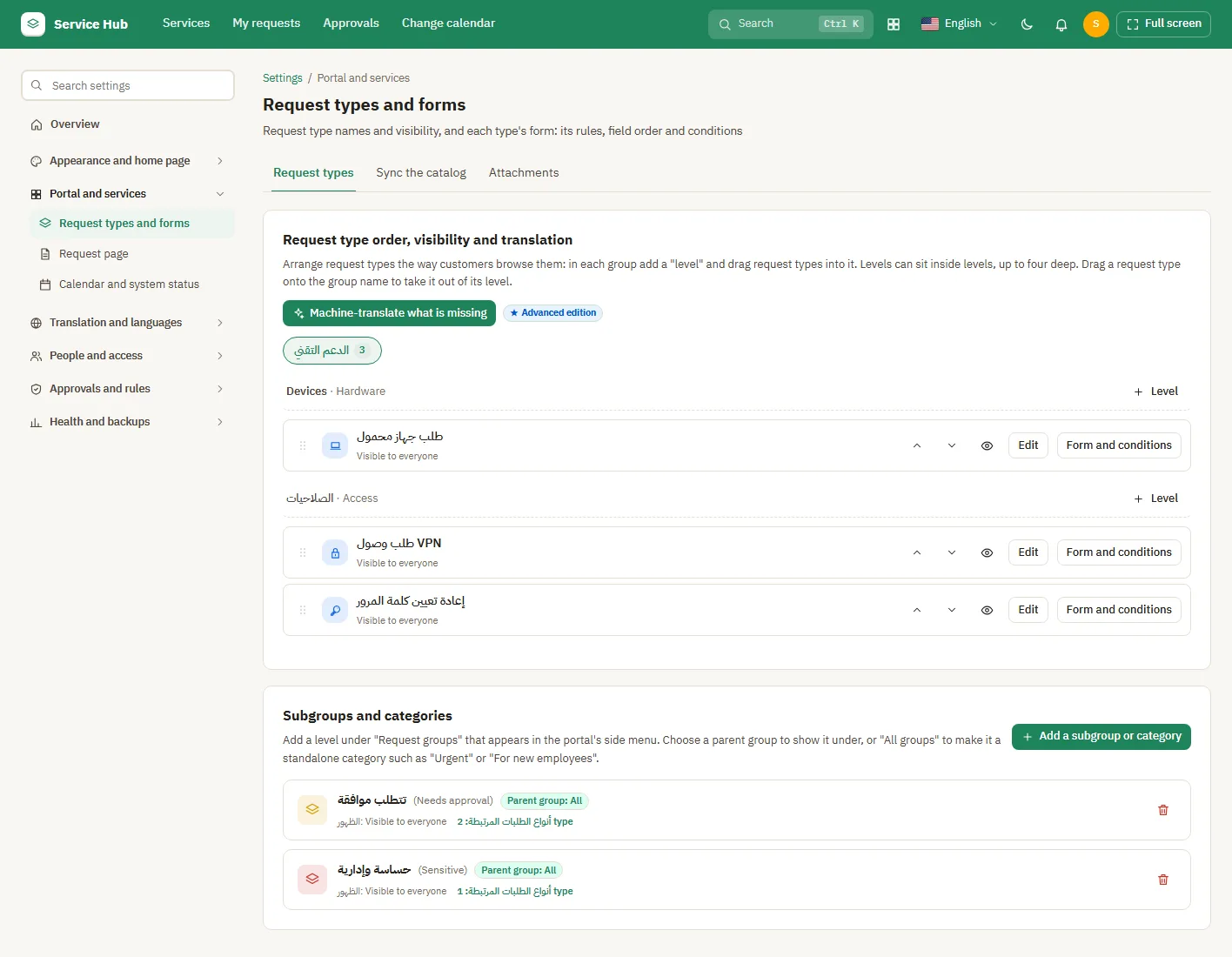
Request types
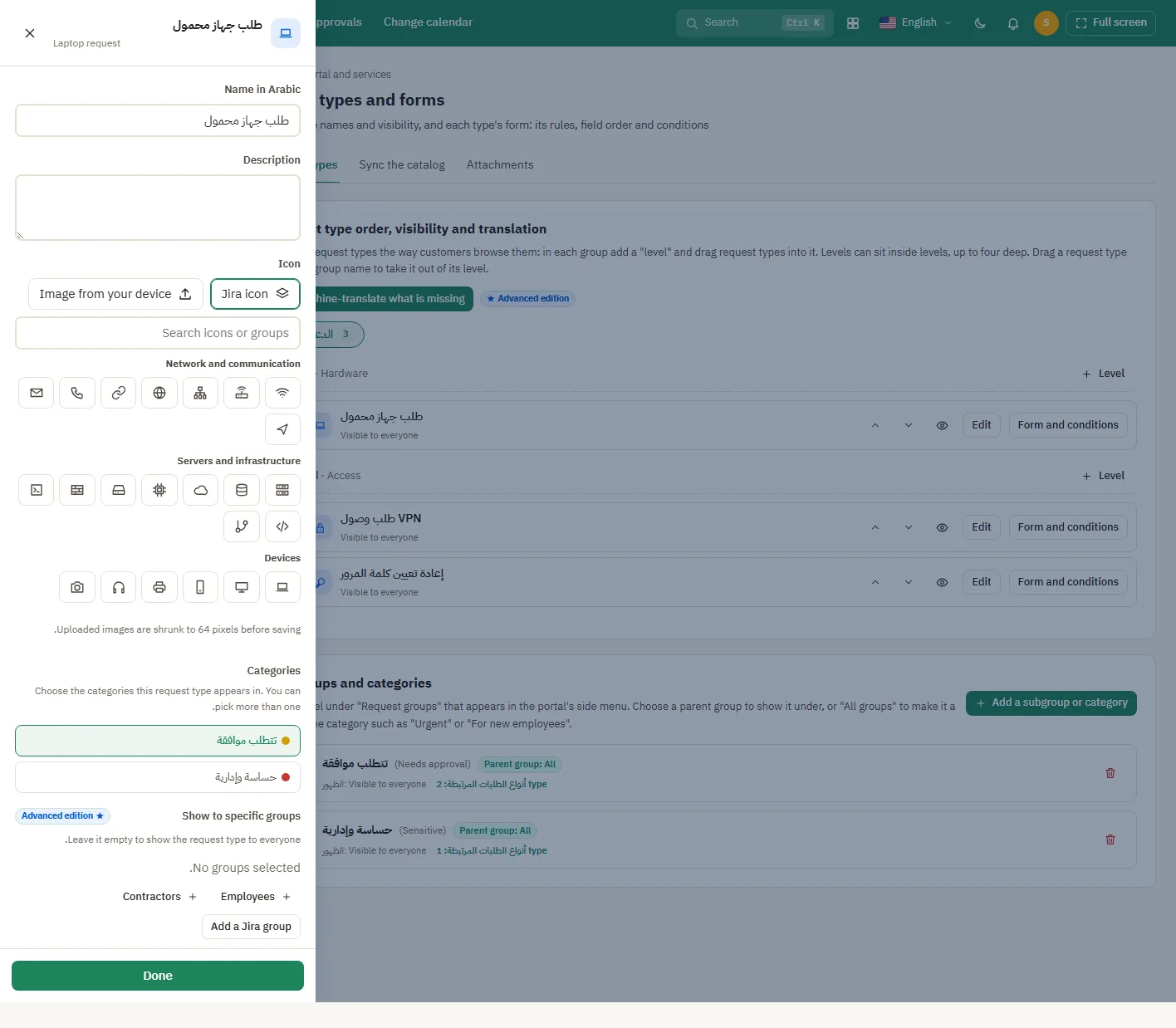
Request types
Choosing a request type icon
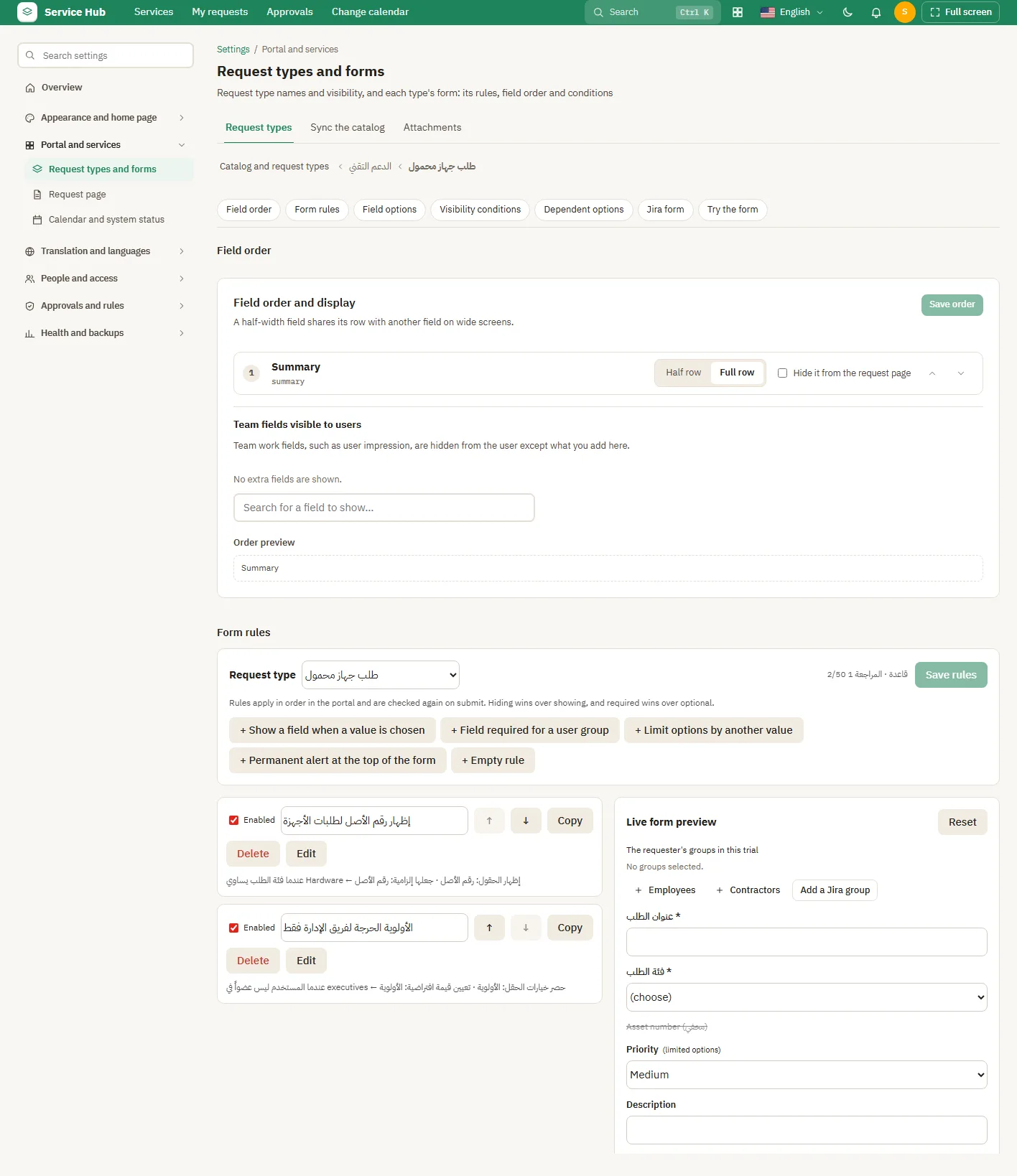
Form and conditions
Form and conditions
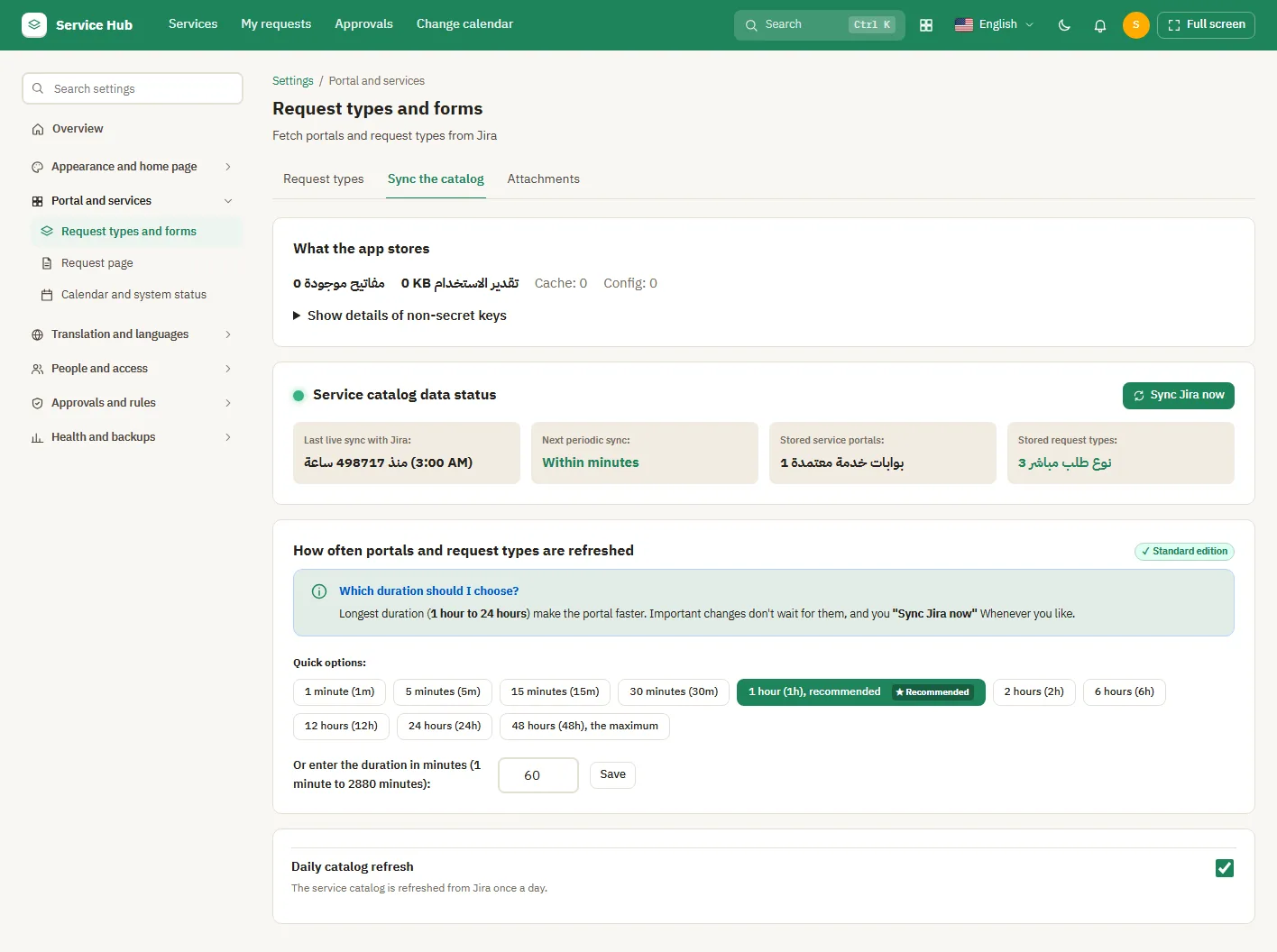
Sync the catalog
Sync the catalog
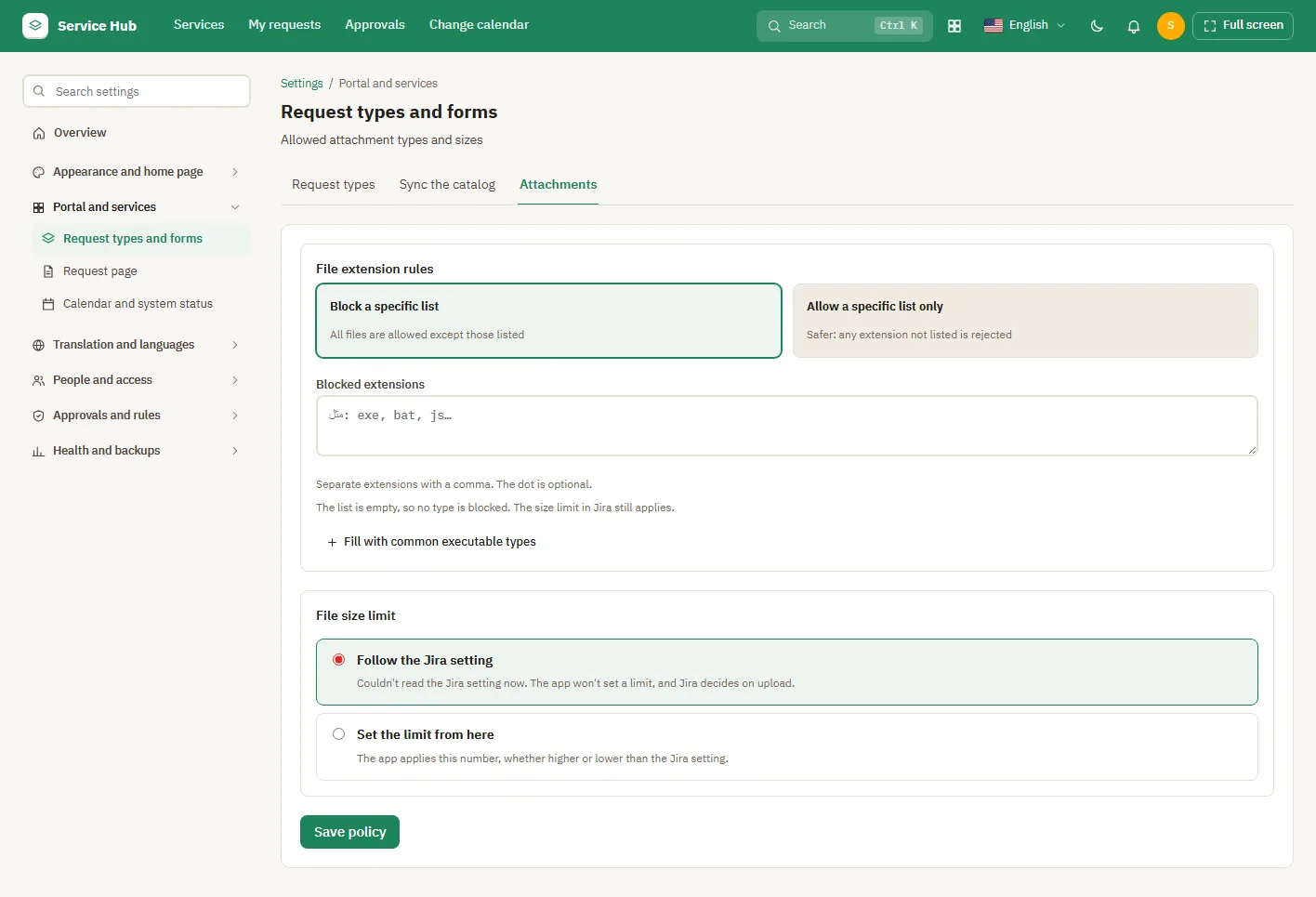
Attachments
Attachments
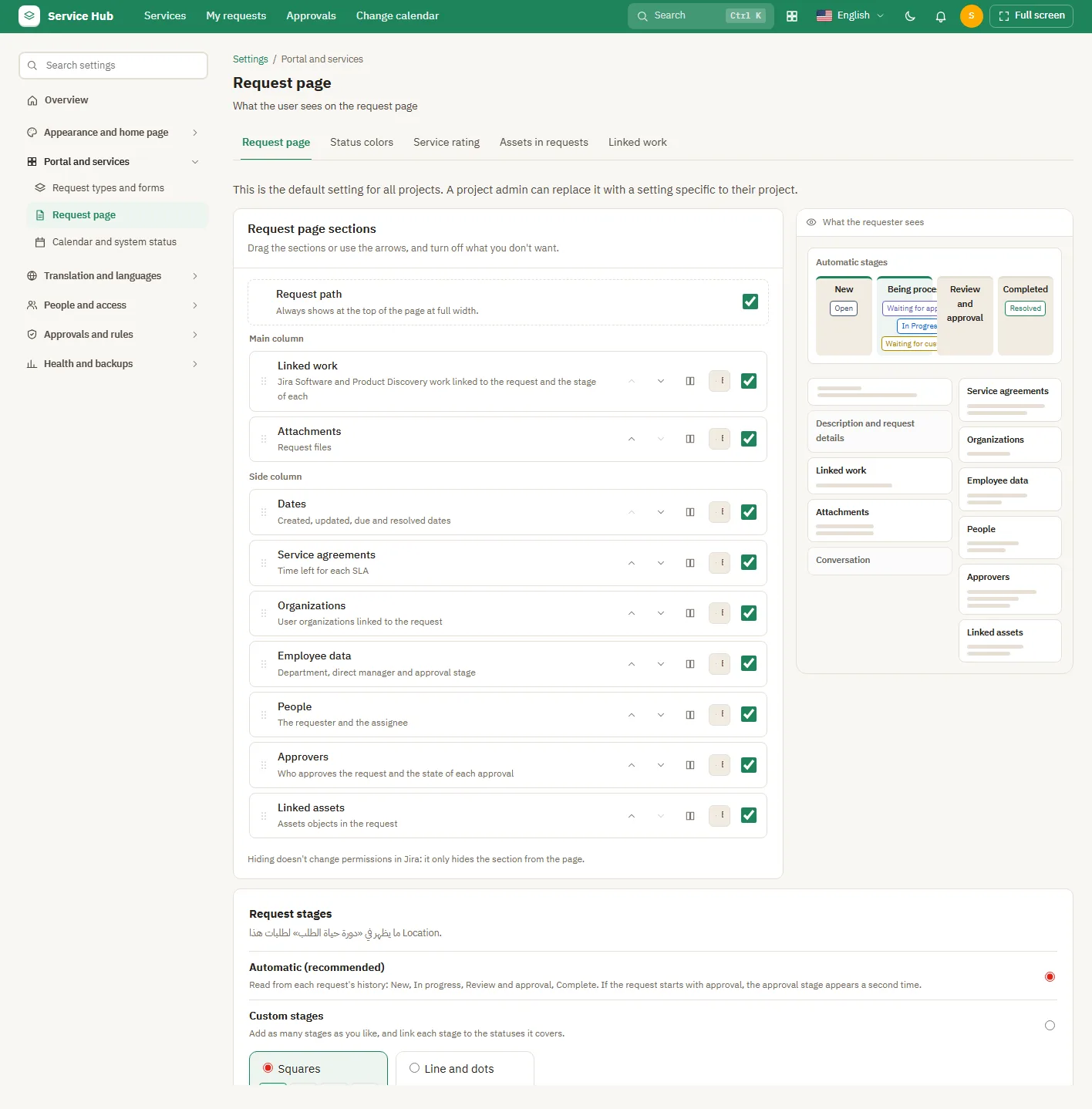
Request page
Request page
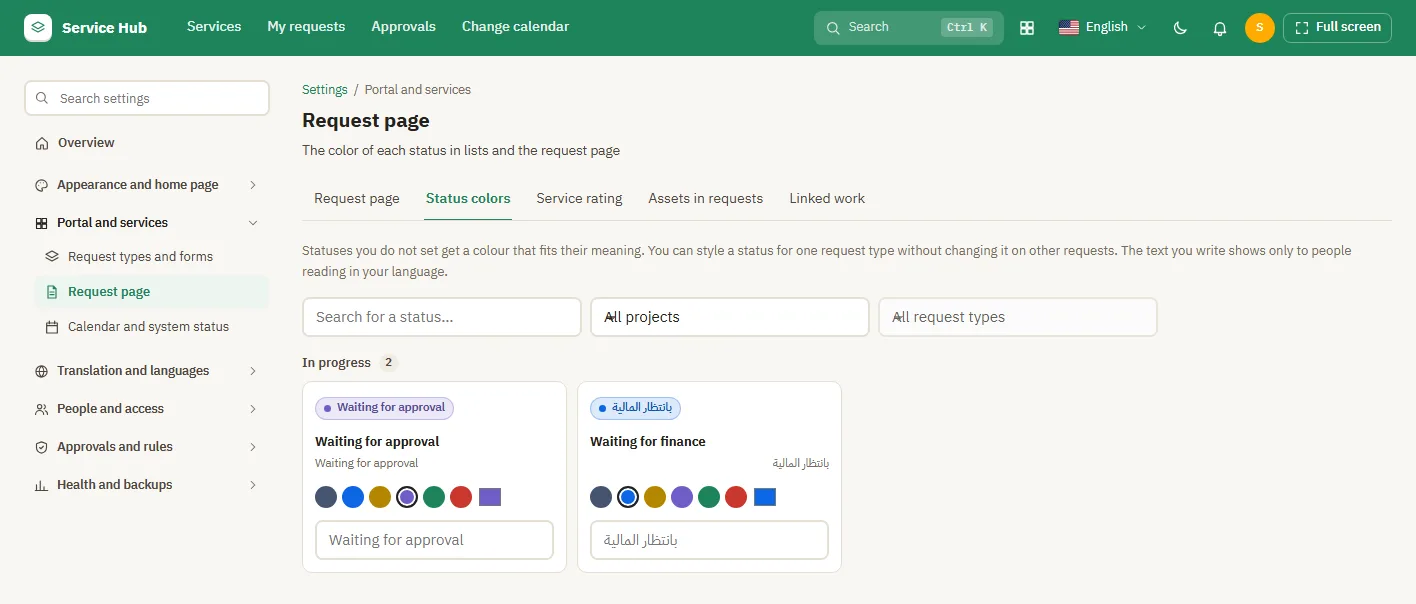
Status colours
Status colours
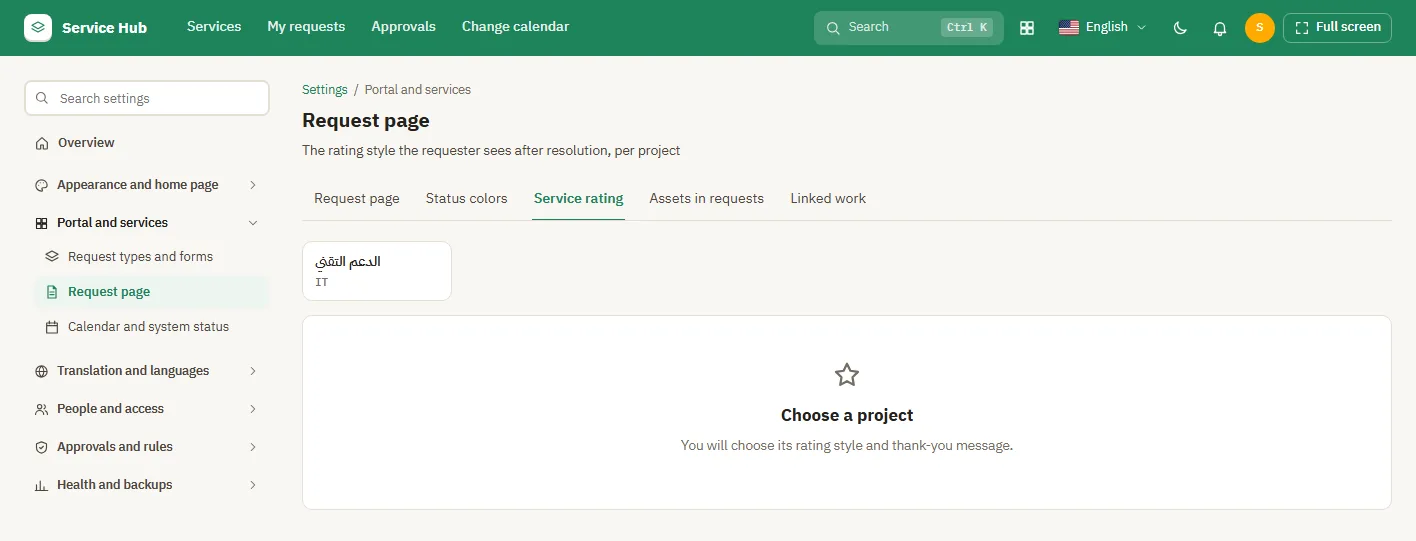
Service rating
Service rating
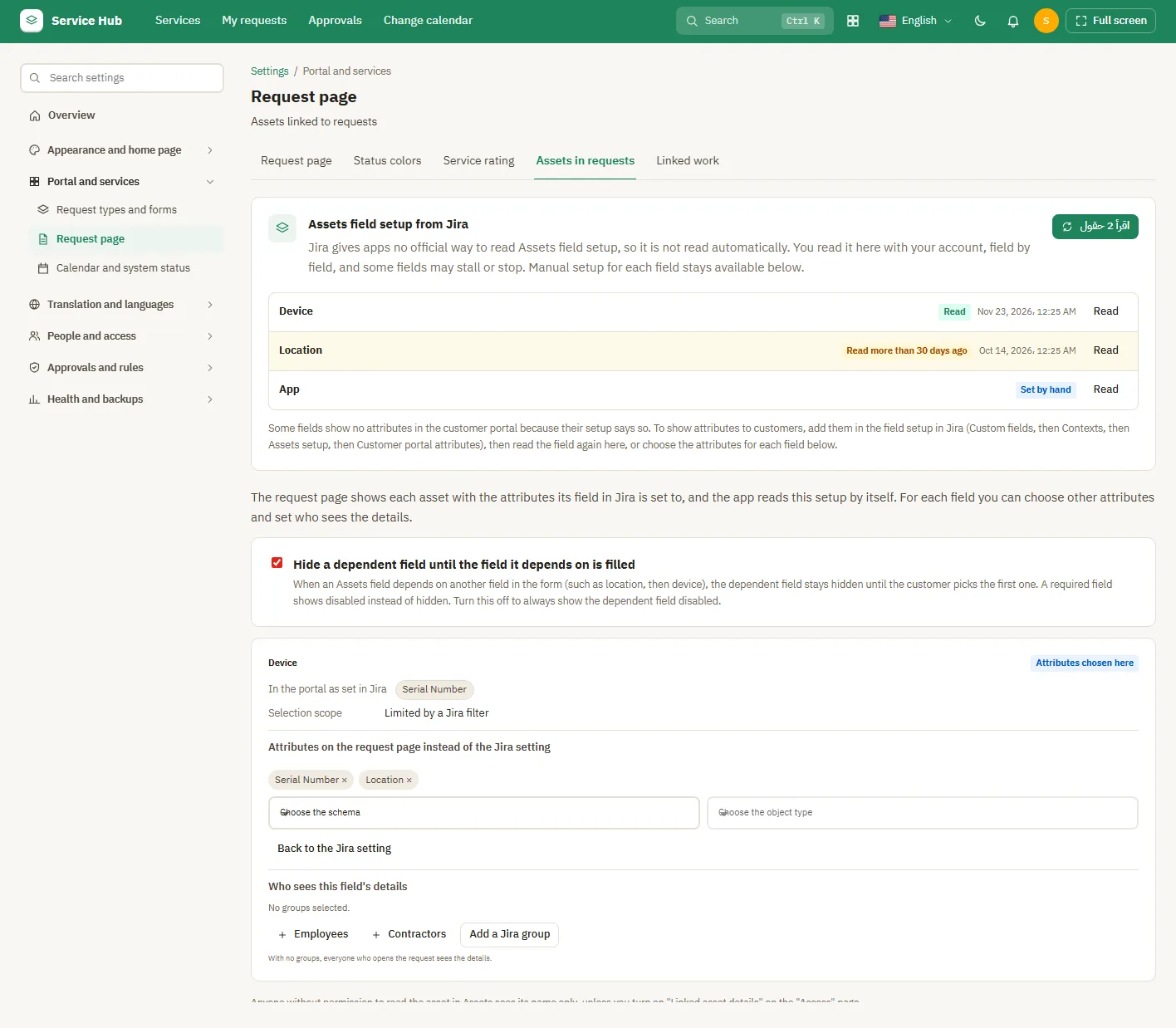
Assets in requests
Assets in requests
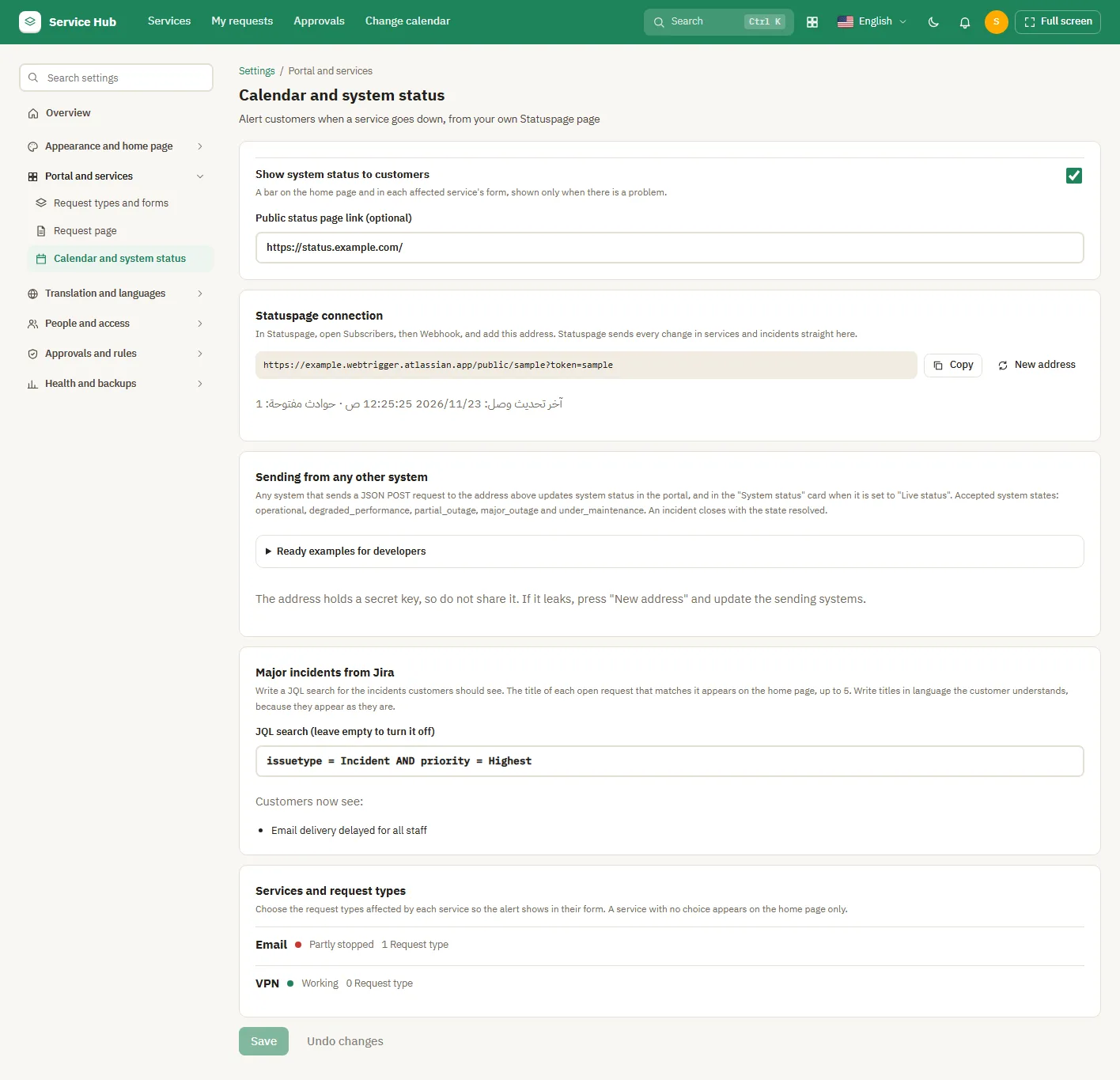
System status
System status

Settings: Translation and languages
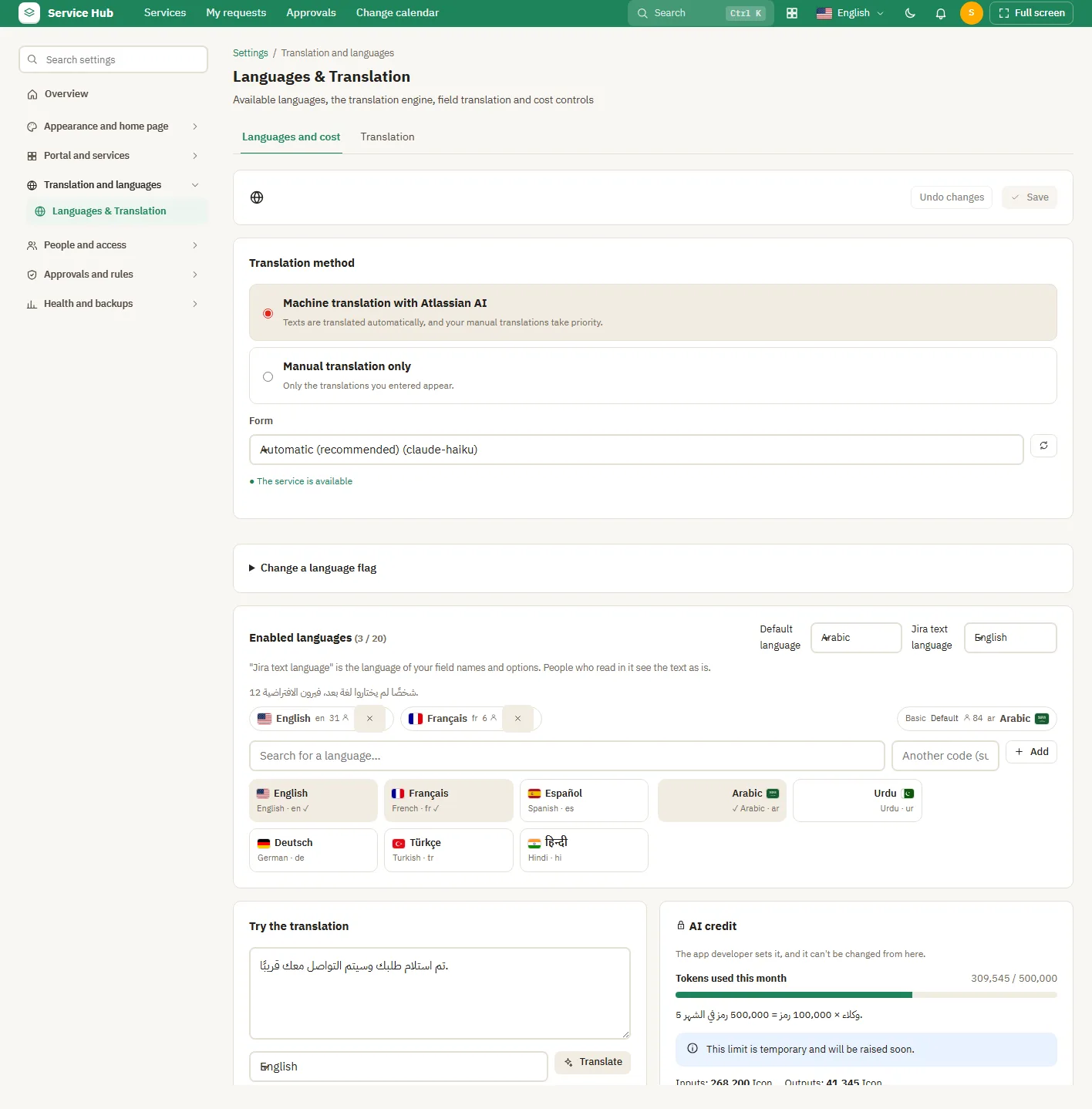
Languages and cost
Languages and cost
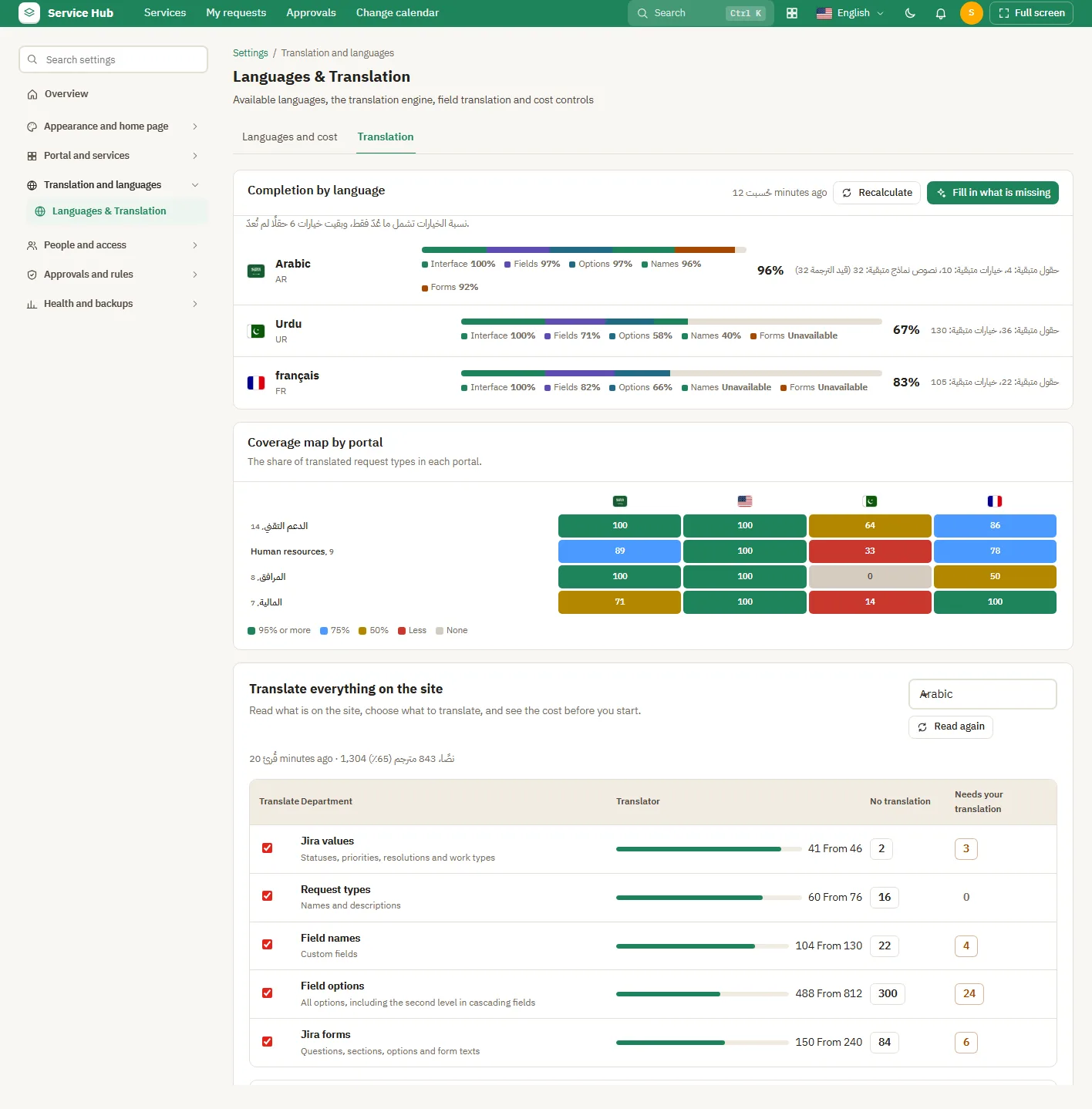
Translation
Translation

Settings: People and access

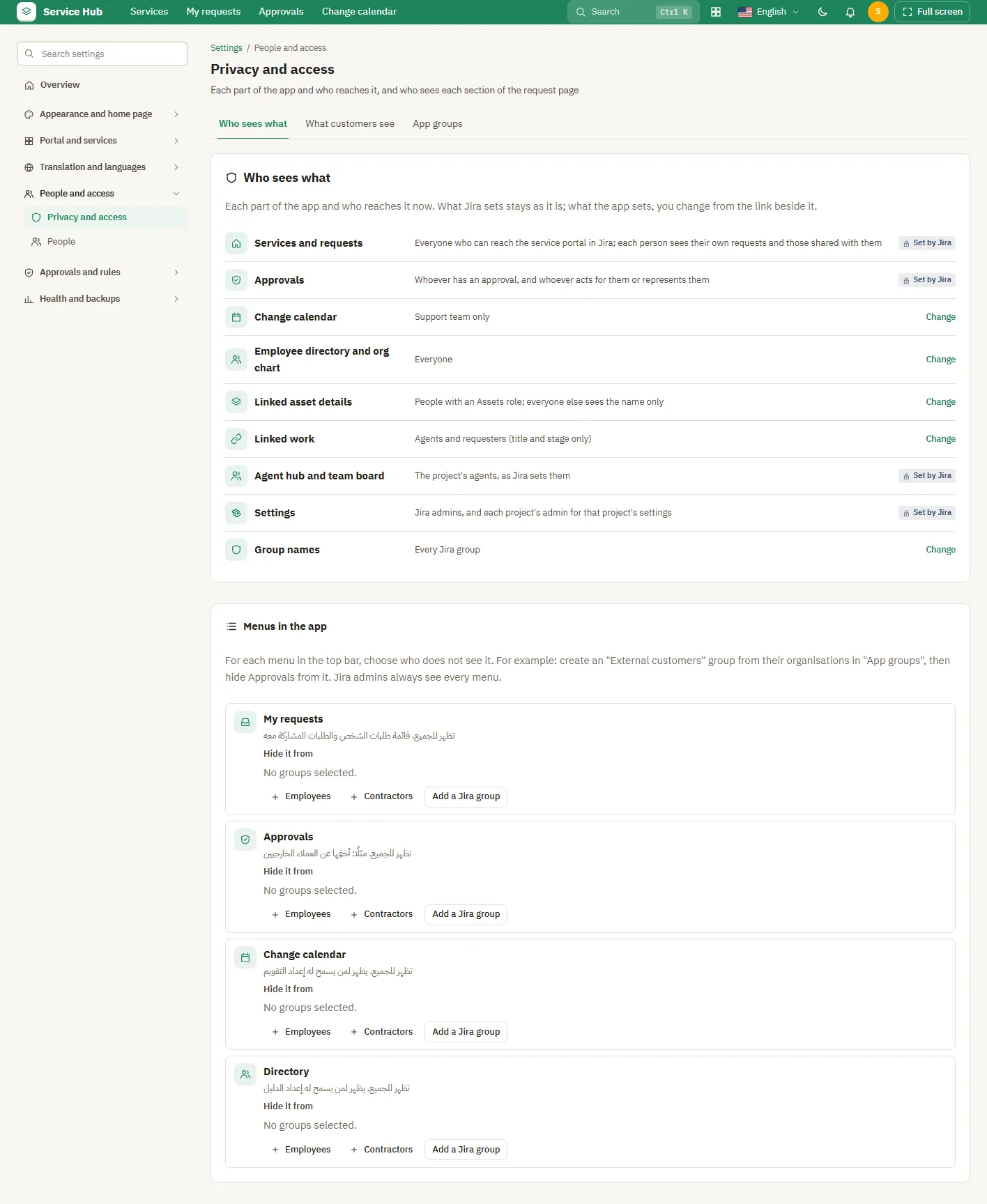
Who sees what
Who sees what
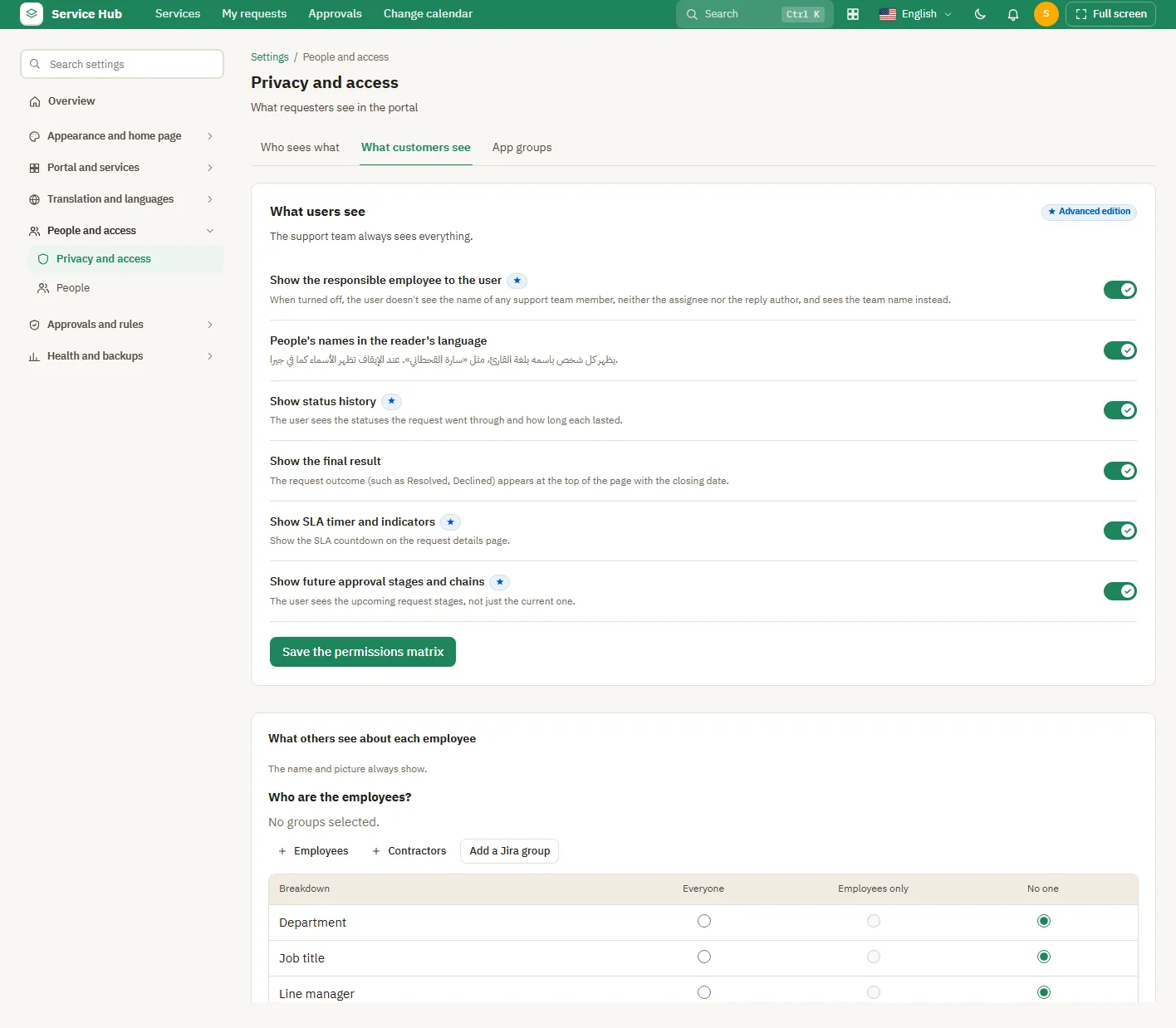
What customers see
What customers see
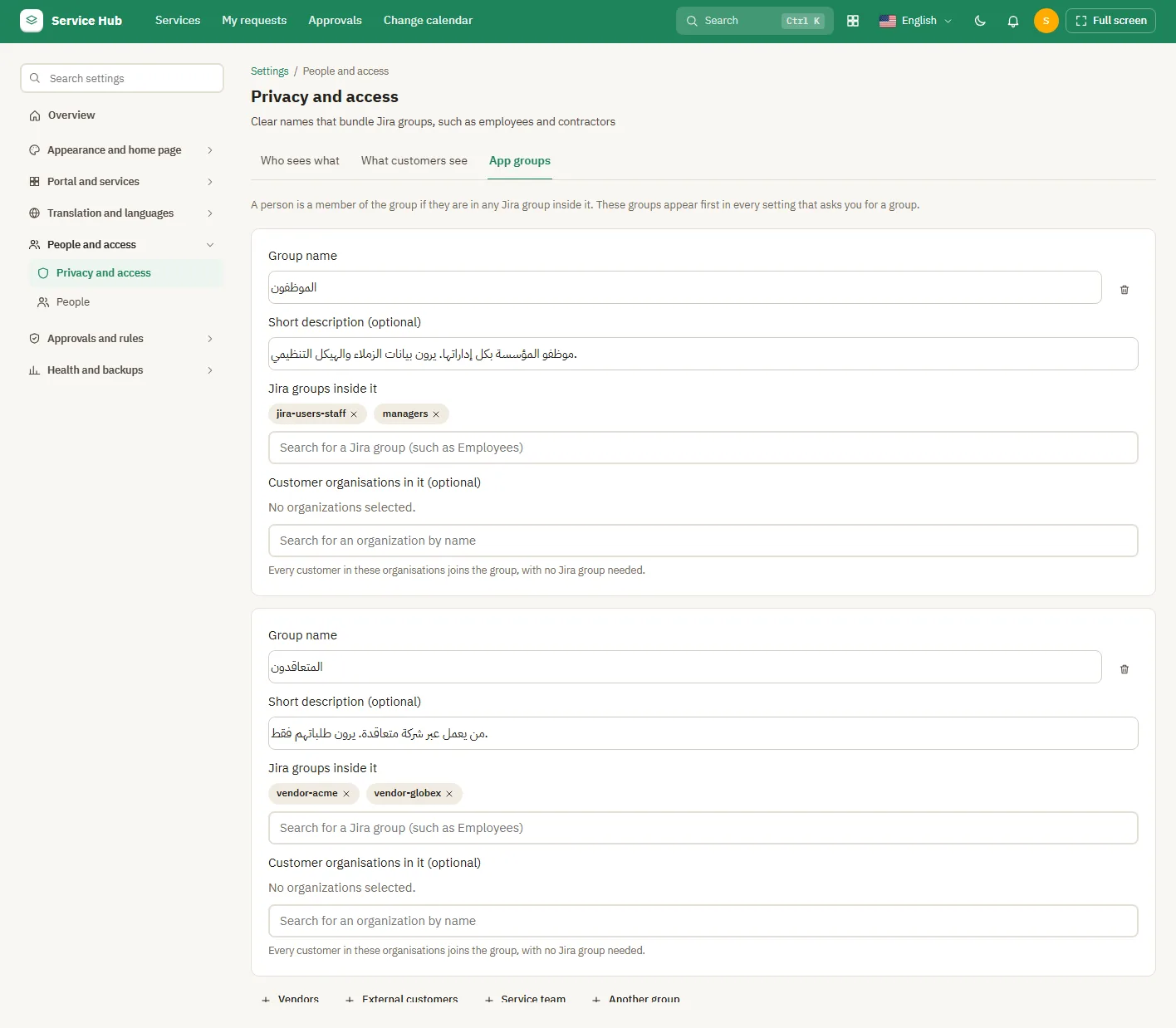
App groups
App groups
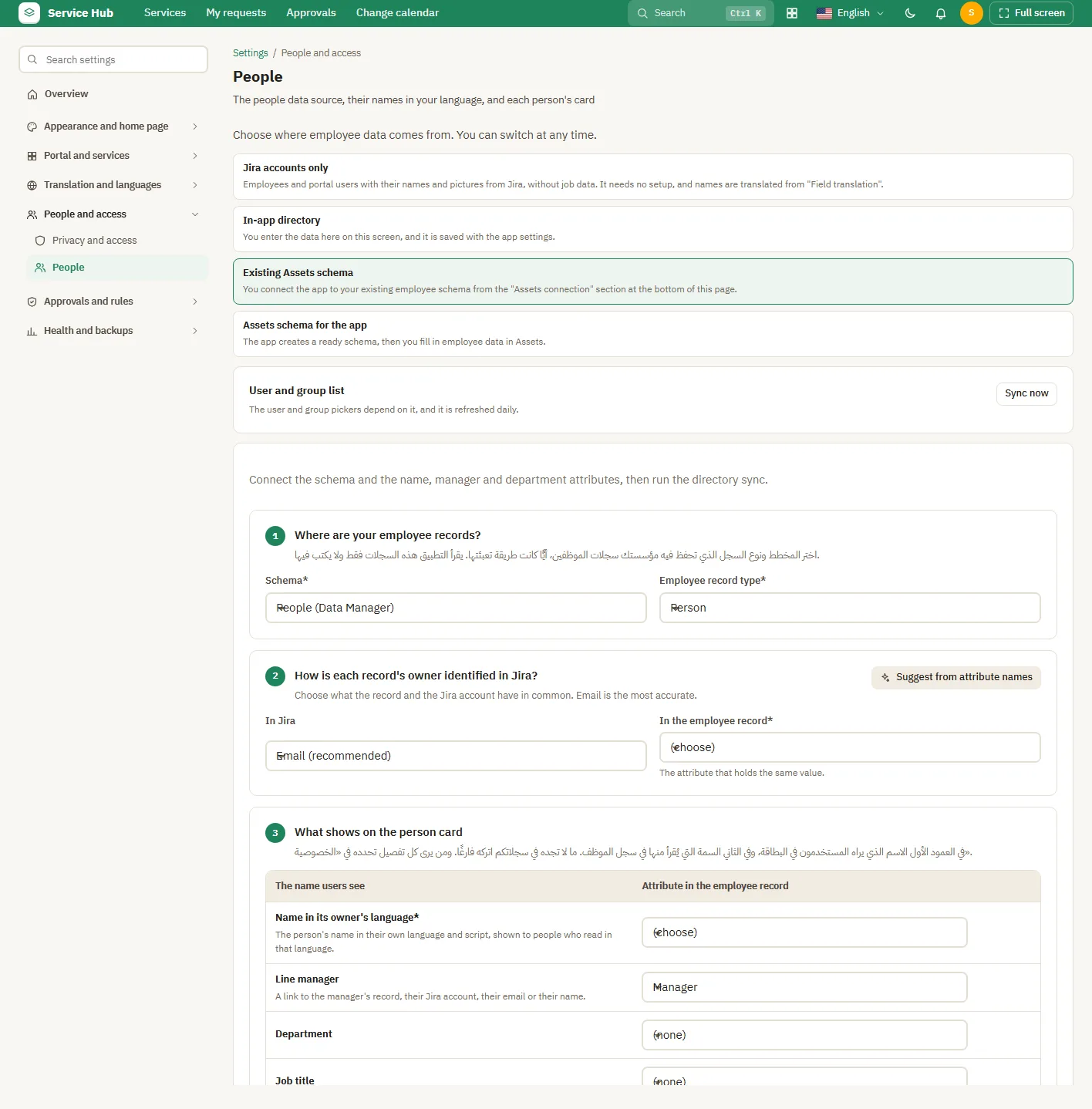
People and their names

Settings: Approvals and rules

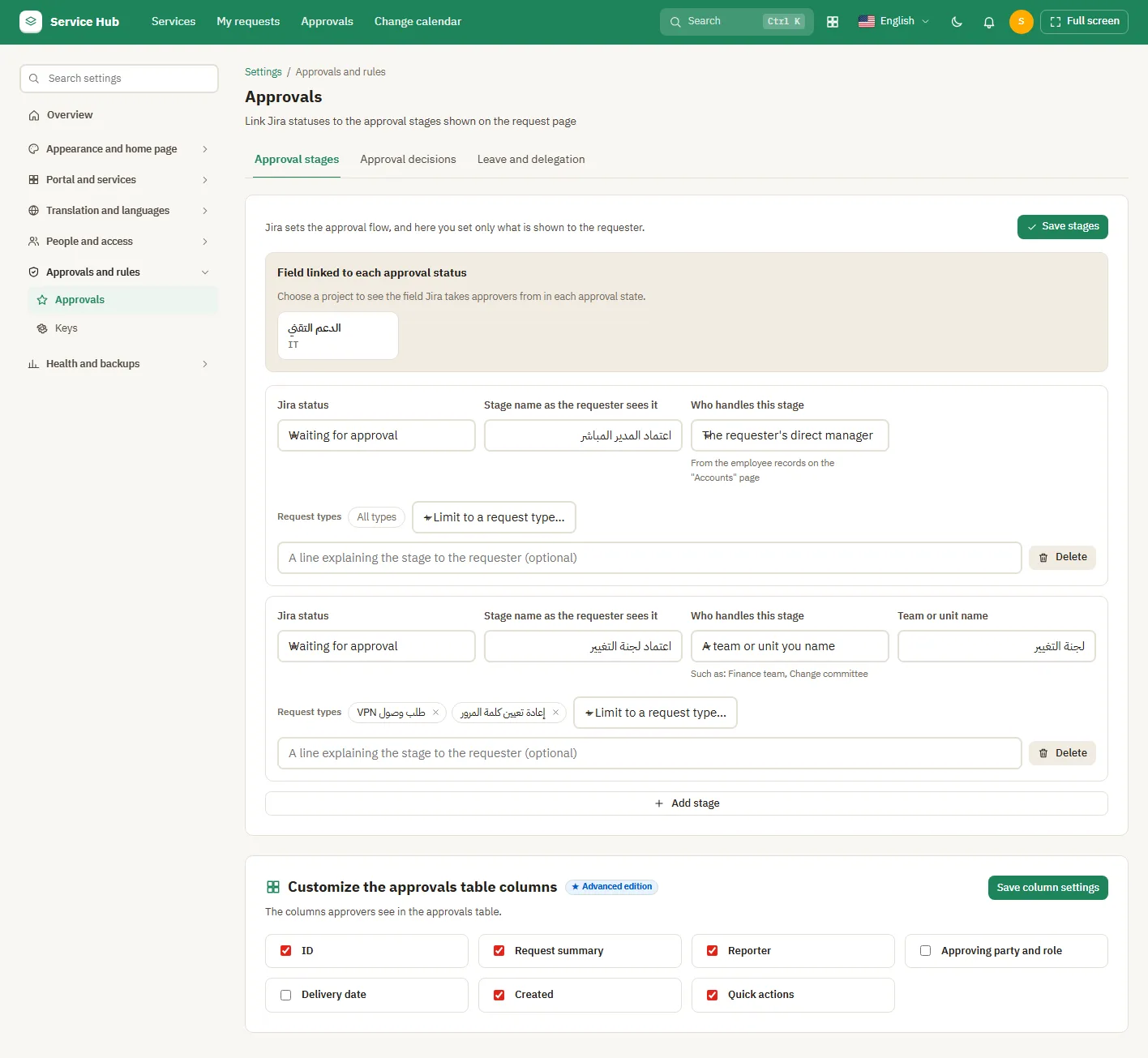
Approval stages
Approval stages
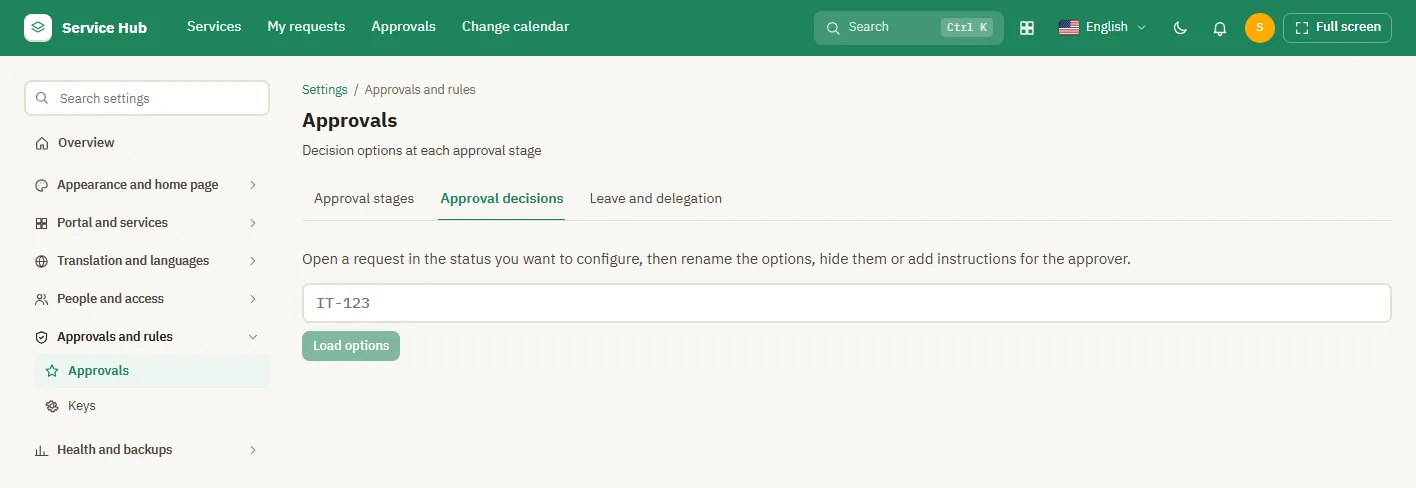
Approval decisions
Approval decisions
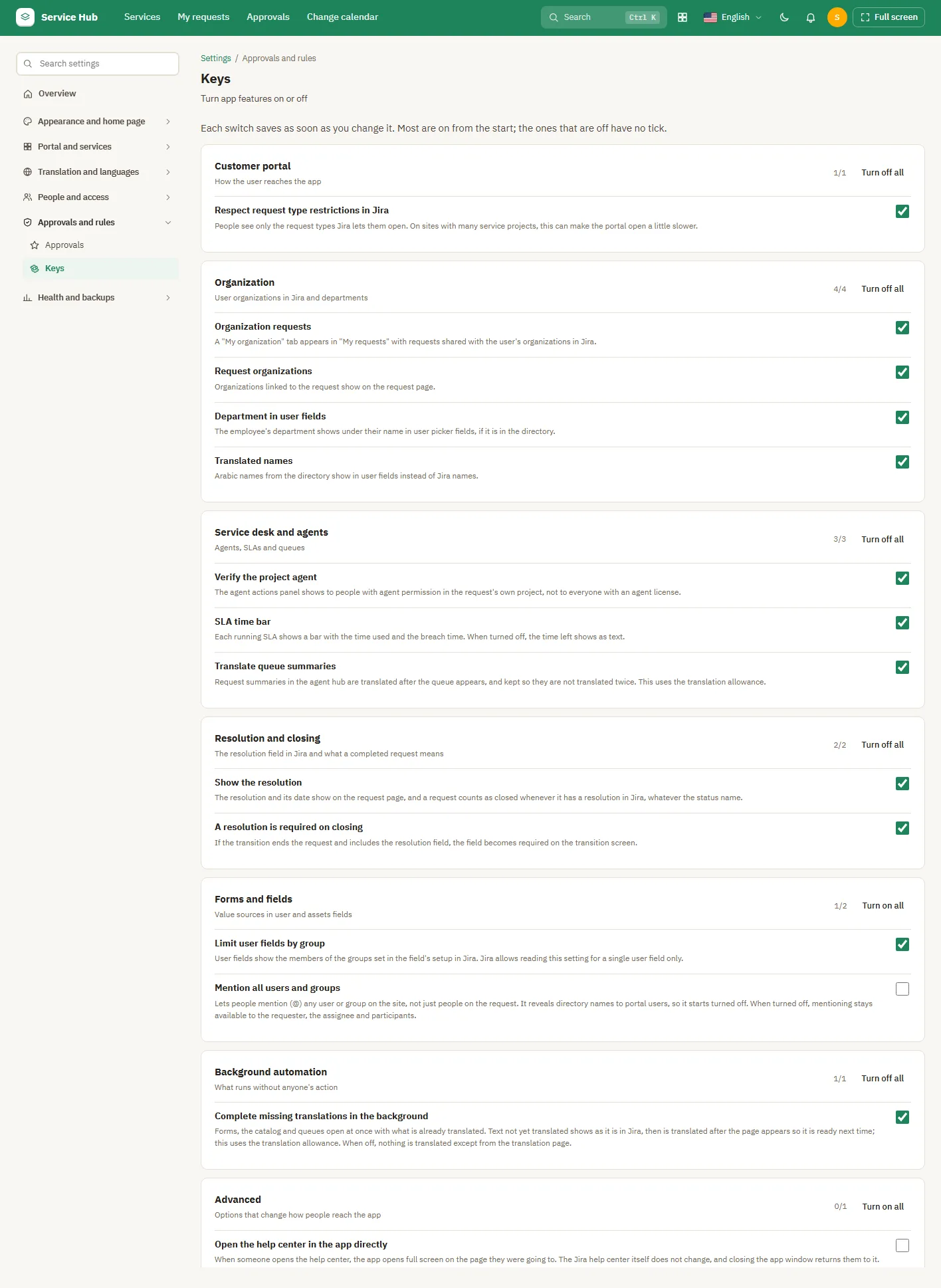
Turning features on or off

Settings: Health and backups

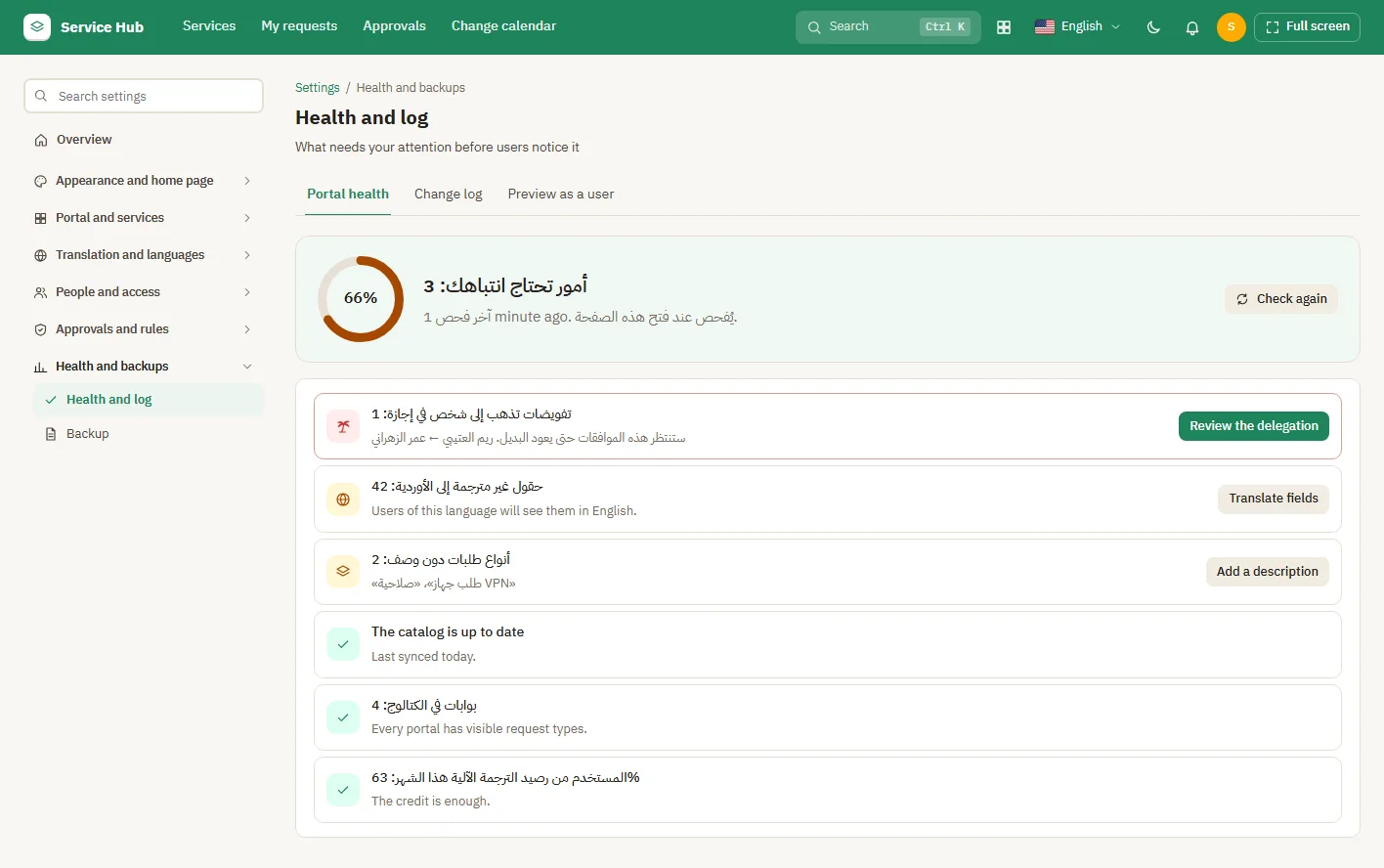
Portal health
Portal health
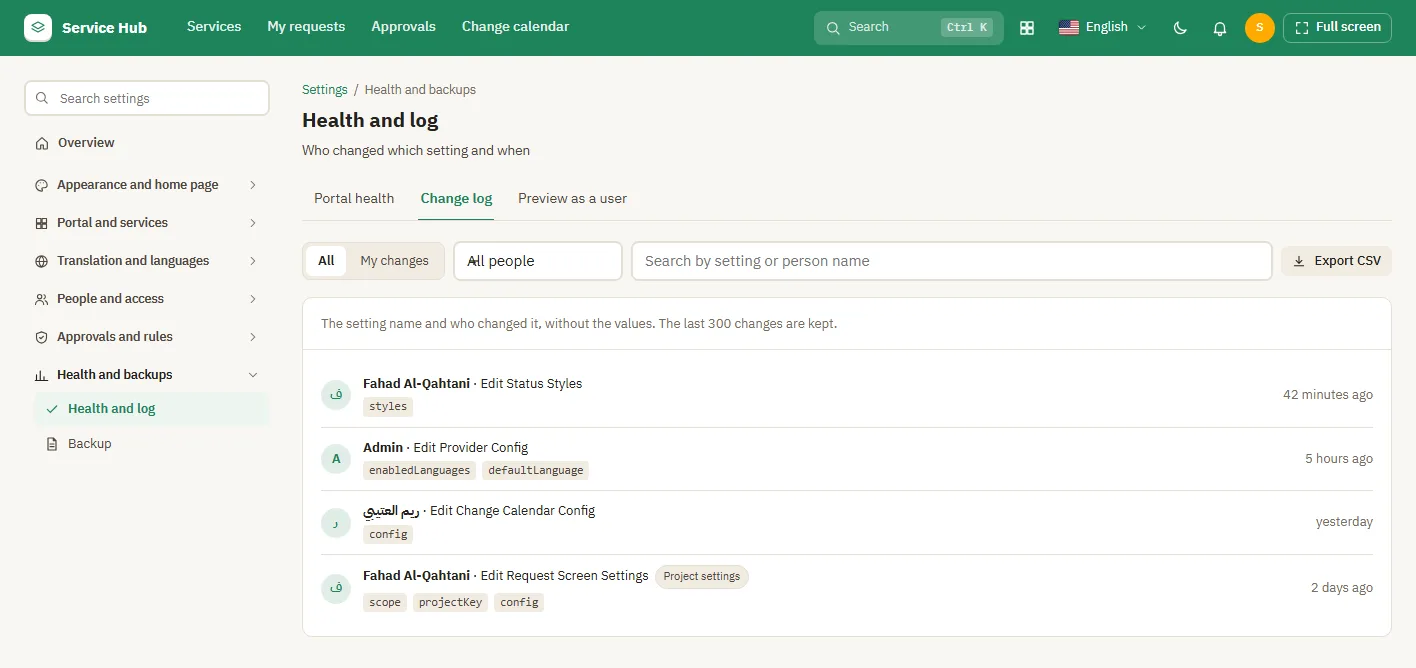
Change log
Change log
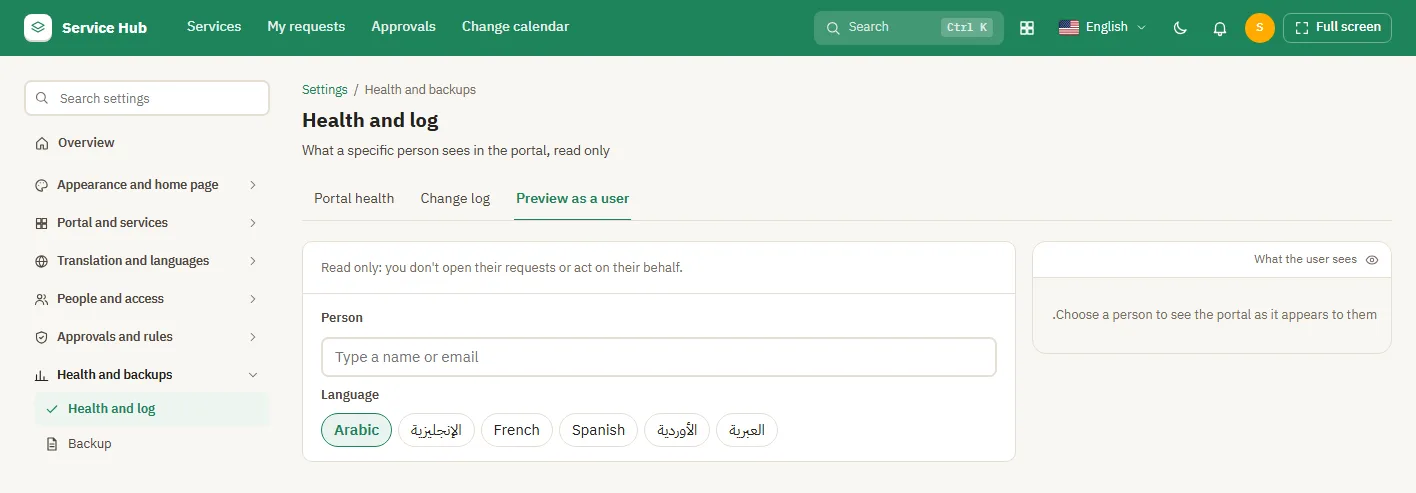
Preview as a user
Preview as a user
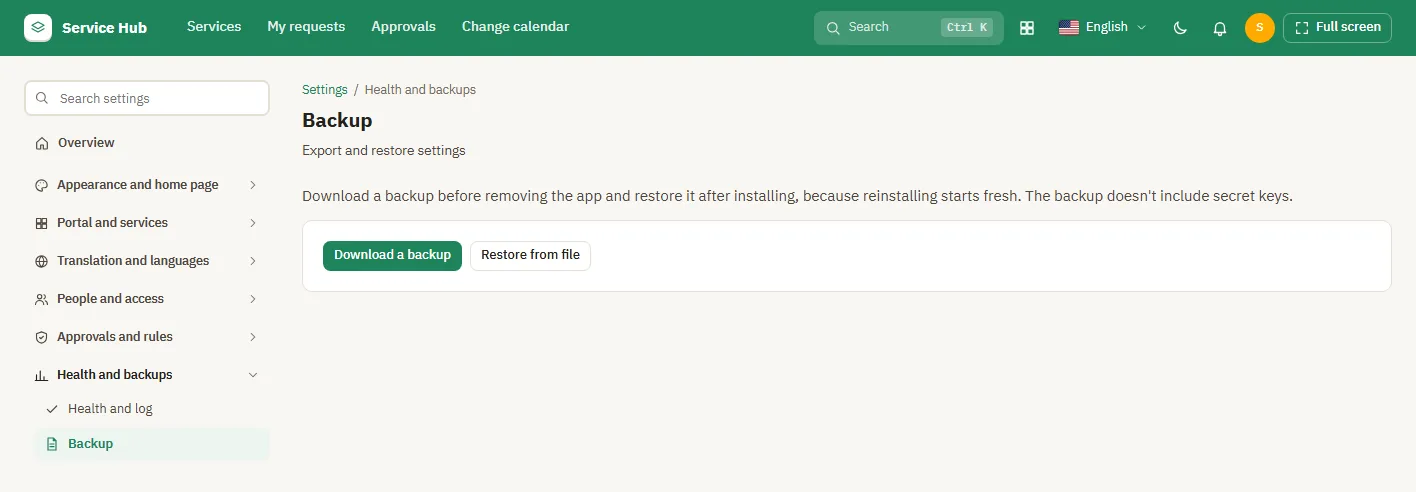
Backup
Backup