Approve or decline from one list
Approvals are where requests wait longest. One list for everything waiting on you, across every project, means nothing is forgotten.
You decide in one click, and the request moves on straight away.
- Who can do this
- Anyone asked to approve
- Edition
- Standard and Advanced
- Where it is
- Help centerOpen portalApprovals
- Applies to
- Requests waiting for you
Steps
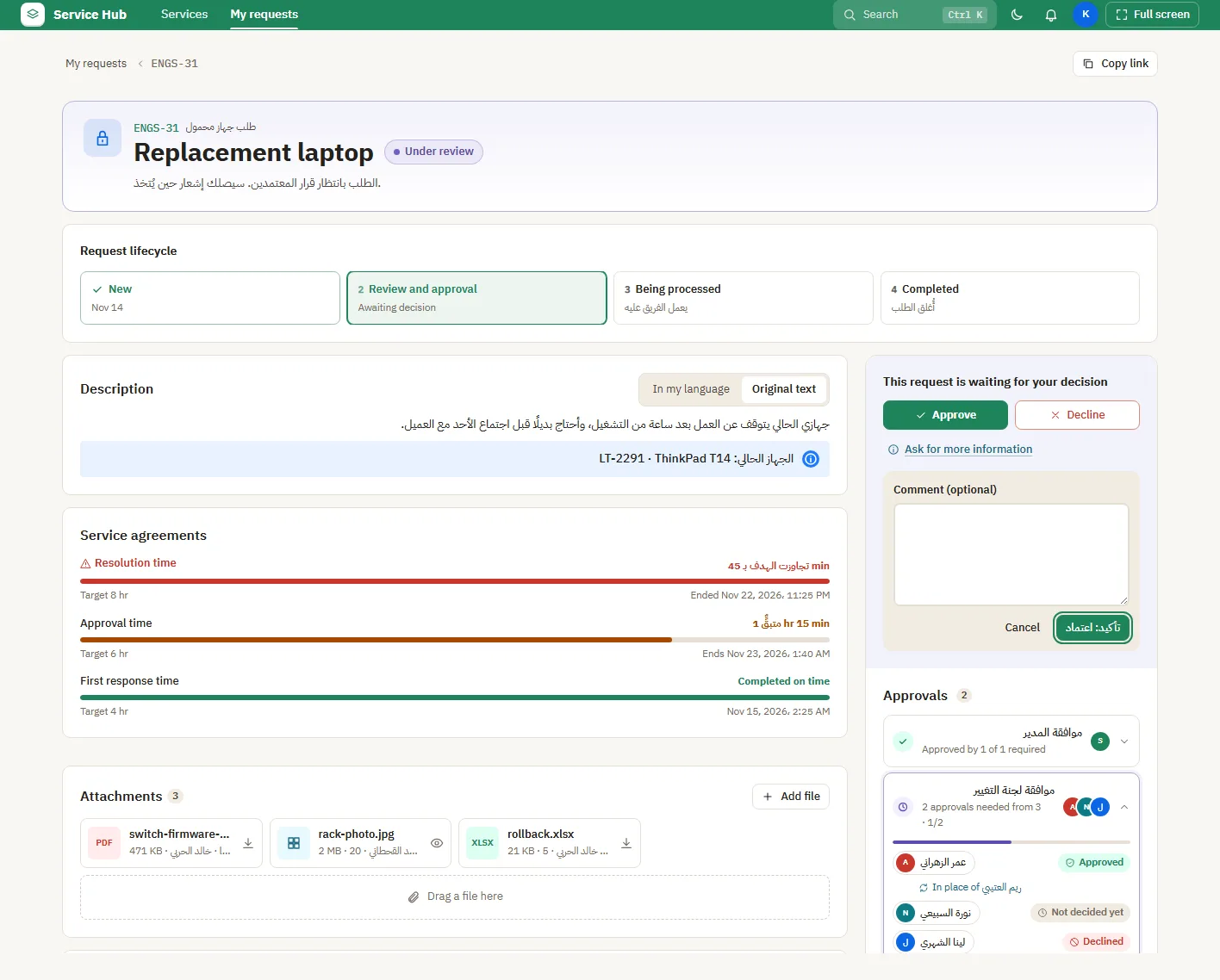
- Open Approvals. Everything waiting for you is listed, newest first.
- Read the summary on the row, or open the request for the full details.
- Choose your decision. Some decisions ask for a comment or a field before they go through.
- Use the history tab to see what you decided before.
What people see afterwards
- The requester sees your decision on their request at once.
If it does not look right
- A request is missing: it may be waiting for someone else first, or your decision may already be recorded.