Follow your request and reply
You should never have to call to ask where a request is.
You see where your request stands, who is working on it and what happens next.
- Who can do this
- Everyone on the portal
- Edition
- Standard and Advanced
- Where it is
- Help centerOpen portalMy requests
- Applies to
- Your own requests
Steps
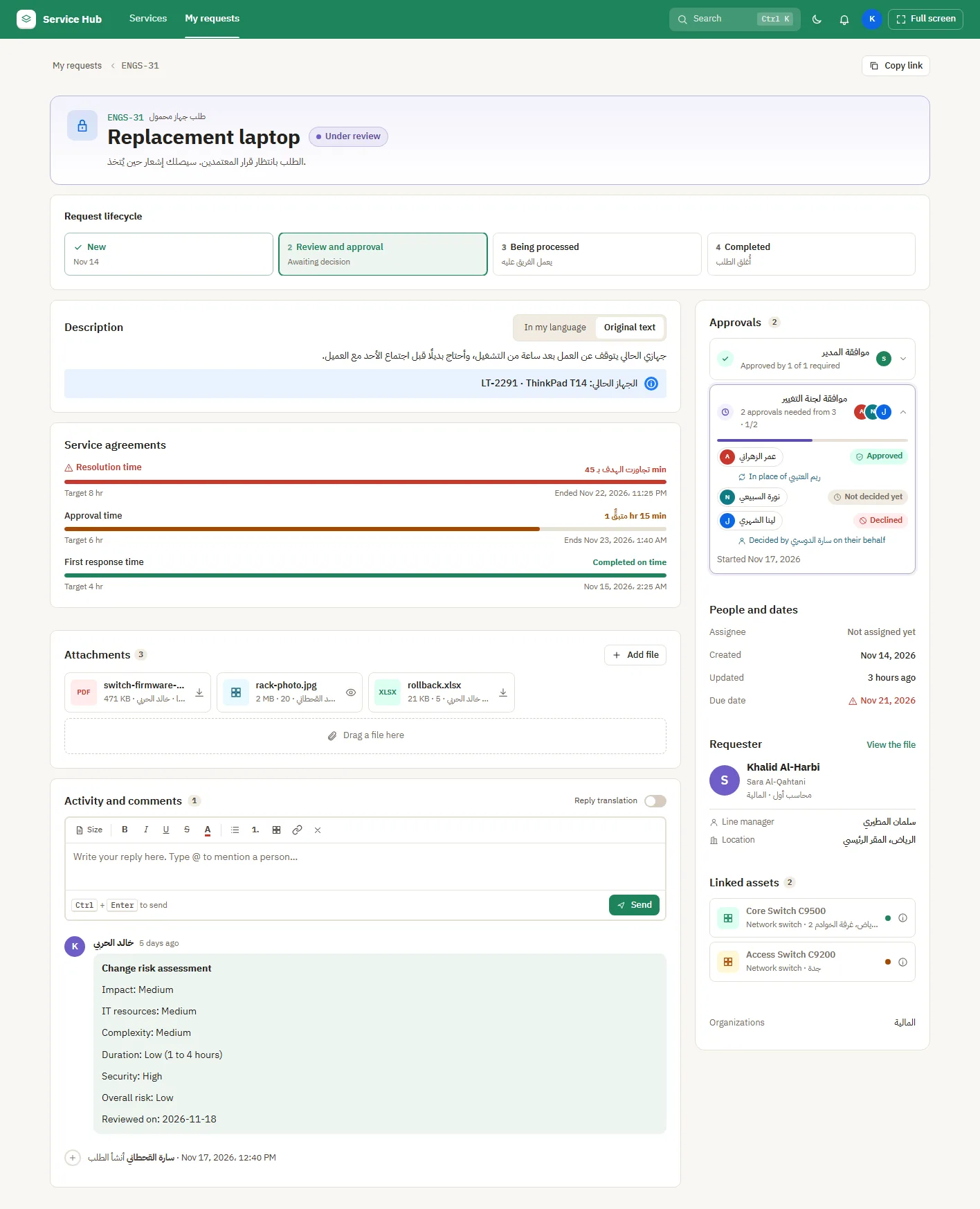
- Open My requests and select the request.
- The status at the top and the history below show each step and how long it took.
- Write a reply or add a file in the comments. Your team sees it at once.
- The bell at the top tells you when someone replies or the status changes.
What people see afterwards
- When the request is resolved, you can rate the service.