Read any request and reply in the customer's language
Your customer writes in Arabic, your colleague reads English. Neither should wait for a translator.
You understand every request, and your customer reads your answer in their own language.
- Who can do this
- Agents
- Edition
- Standard and Advanced
- Where it is
- Help centerOpen portalRequest page
- Applies to
- Requests you work on
Steps
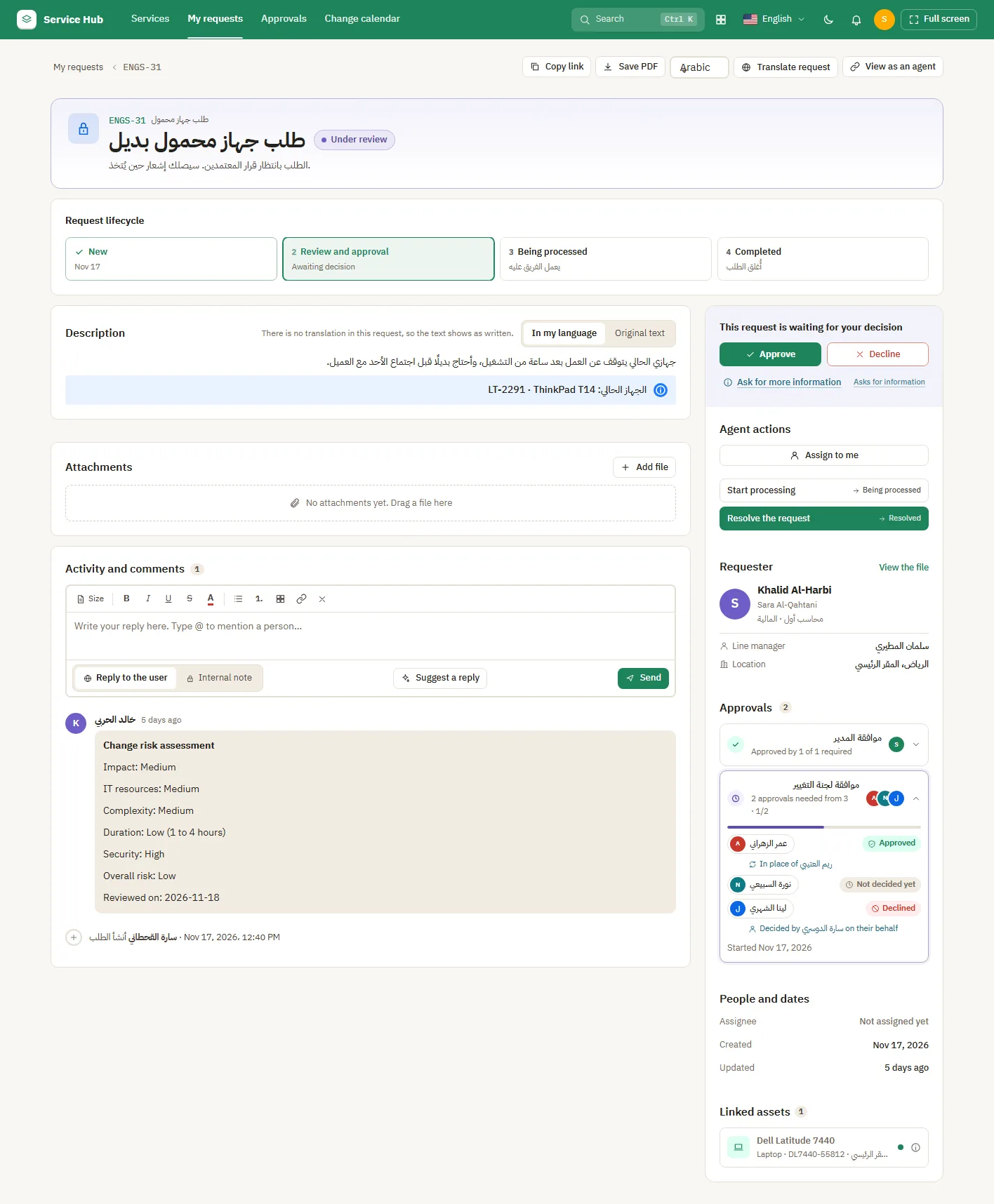
- Open the request in the portal.
- Select Translate request to read the summary and description in your language. The customer then sees the saved translation too.
- Select Suggest a reply for a draft in the customer's language. Edit it, then send.
What people see afterwards
- Each translation uses a little of your site's monthly AI allowance, once per text.
If it does not look right
- The buttons are missing: your admin may have turned AI translation off.